
With the new voice interaction in the Microsoft 365 Word audio summary, passive listening becomes a conversation: you listen to an audio summary and ask spoken follow-up questions about the document along the way. This is especially valuable for longer texts, documentation, or strategy papers that you want to understand quickly without constantly switching between the audio player, search, and the document itself. The feature is currently rolling out worldwide and looks very promising. We’ve summarized the most important information for you.
 Benefit: Ask Questions Without Interrupting Playback
|
 Use Case: Understand Documents Faster
|
 Reading Time:
4 Minutes |
 Difficulty: Beginner
|
General Overview
The voice interaction feature in Audio Overview is currently rolling out and should soon be available in Microsoft 365 Word. So what’s changing? Until now, audio summaries were a one-way experience: listen, pause, and manually look things up. With this update, playback remains the focus while you ask spoken questions and receive answers instantly. We see this as a particularly exciting step for situations where reading is impractical, such as before a meeting or when quickly getting up to speed on a lengthy document.
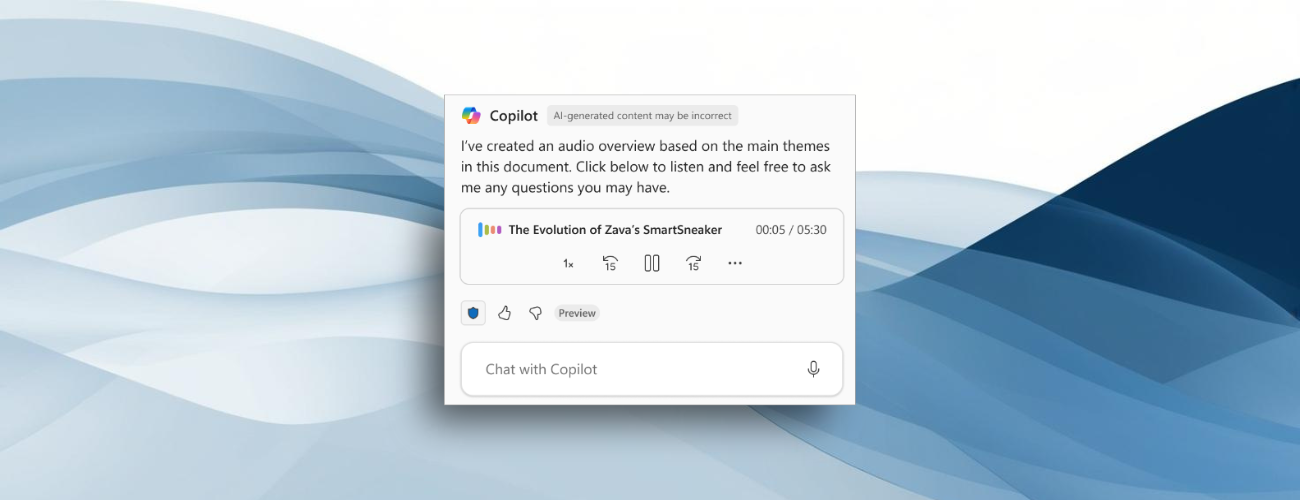
(Source: Listen to an audio overview of a document with Microsoft 365 Copilot in Word)