



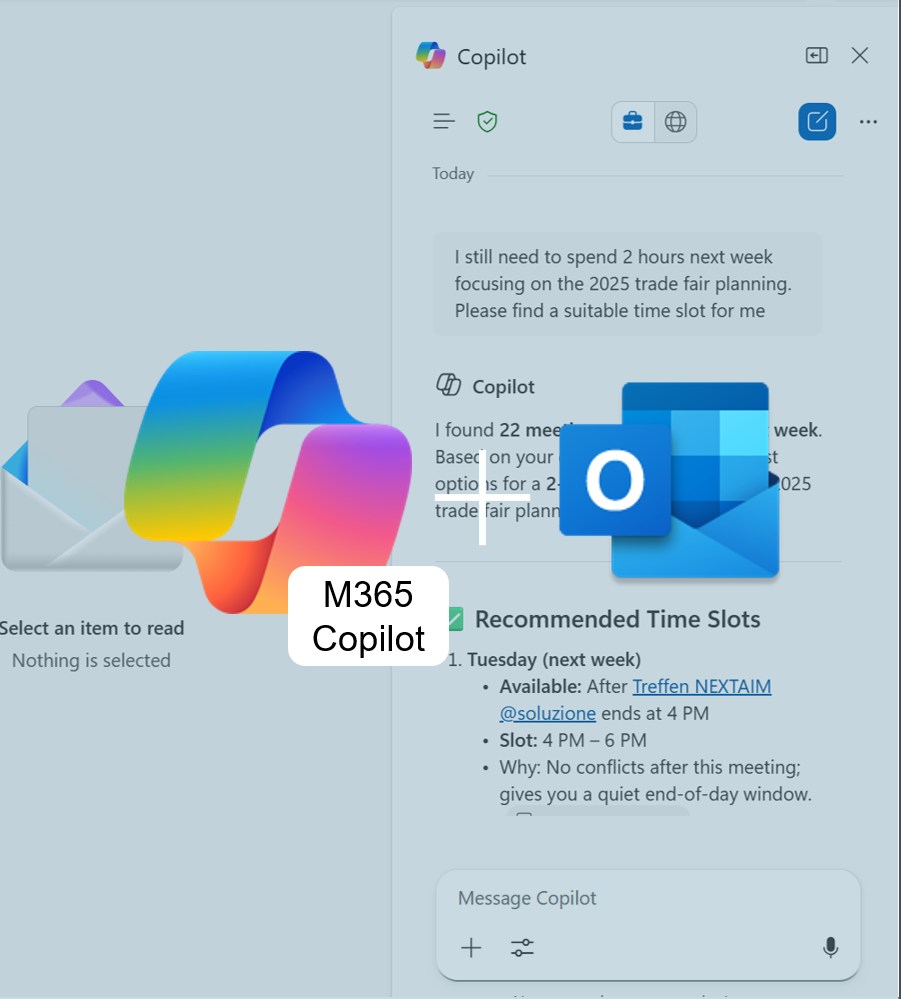
Copilot summary Outlook attachements
Long emails with too many attachments? Outlook 365 + M365 Copilot gives you instant summaries of PowerPoint, Word & PDF files — no app-switching, no overwhelm. Fast, secure, and perfect for staying on top of your inbox.

Copilot for Teams: The Interpreter
Another meeting with international clients coming up — this time from China? And what was “Budgetfreigabeordnung” in English again? No more improvising your business English! Try out the new Interpreter feature in M365 Copilot for Teams and discover how AI can help you overcome language barriers with ease.

M365 Copilot custom instructions
Save shortcuts and personalized instructions in M365 Copilot for your most common commands. This way, the AI delivers results in your style — fast, precise, and perfectly aligned with your work context.

Personalized AI with M365 Copilot Memory
Do you find yourself repeatedly telling M365 Copilot the same formatting preferences or constantly pasting project details into your prompts? With the Memory feature, you can save yourself that extra effort.

Copilot in Excel: More clarity for complex formulas
Learn how M365 Copilot in Excel365 can help you understand unfamiliar or complex formulas. Save time interpreting external data — and improve your Excel skills along the way.
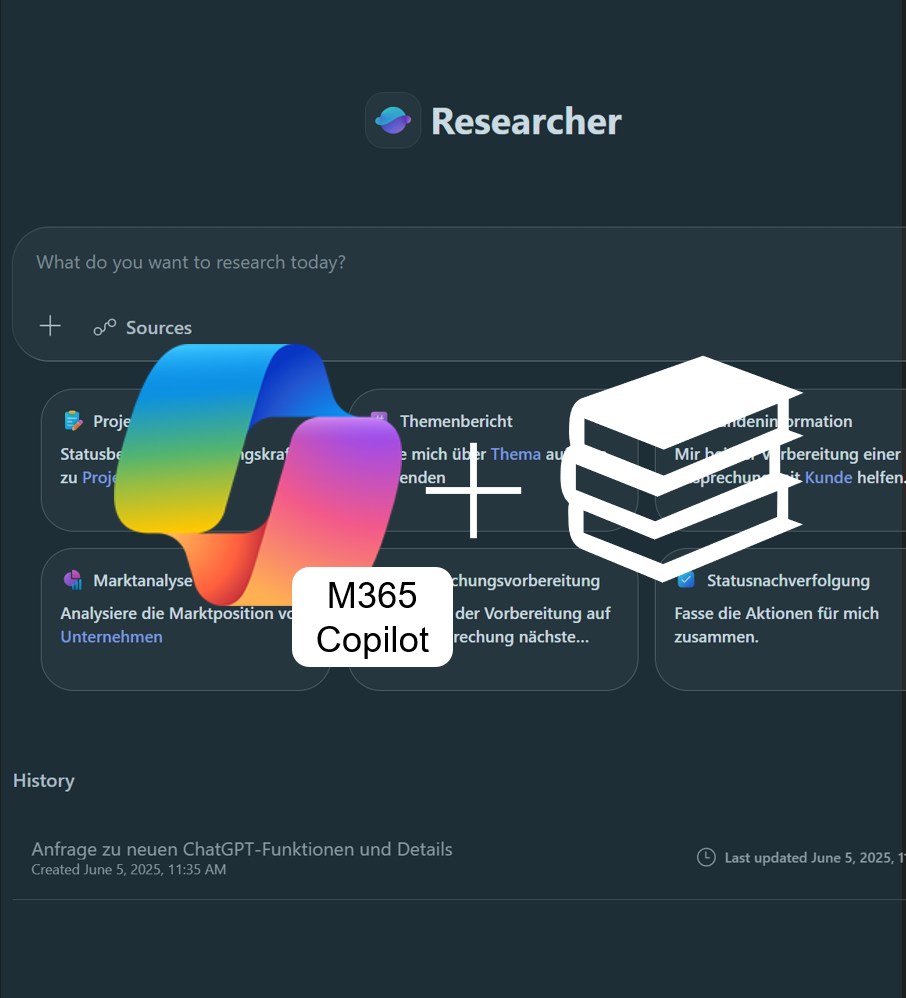
Research results in 30 minutes instead of 3 days
Discover Copilot Researcher: Create comprehensive research reports from online sources in just minutes. Learn how this AI-powered feature transforms the way you conduct research and helps you gain well-founded insights faster — all in our latest article.