


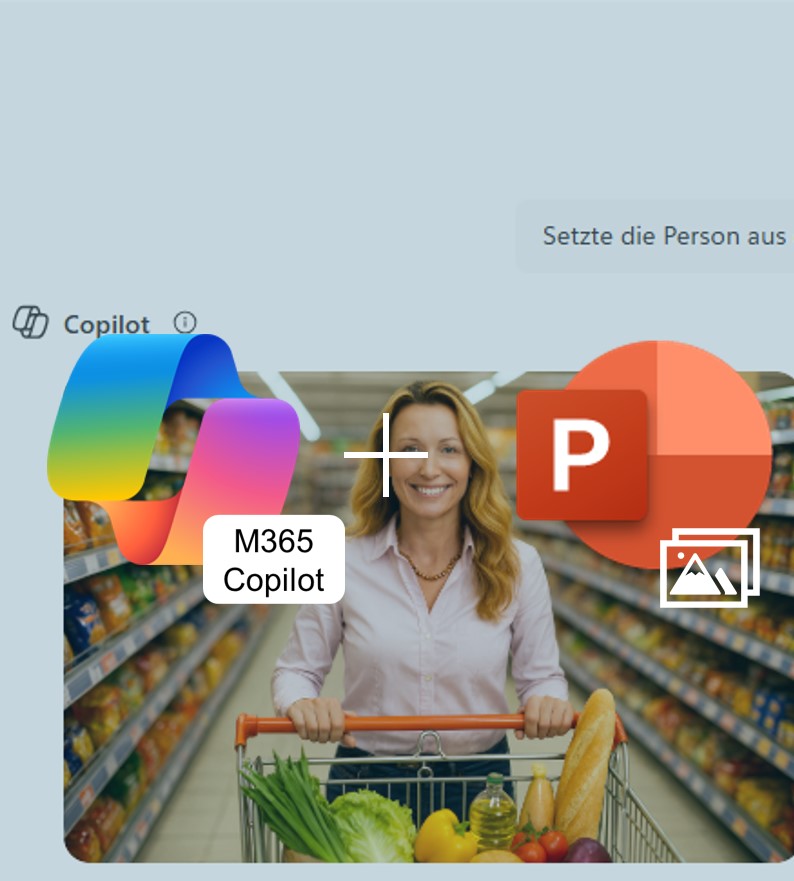
Editing Images in PowerPoint: The Designer Editor in Action
Cut out backgrounds, upscale logos, auto-enhance photos — all directly inside PowerPoint, no more app-switching. The new Designer Editor brings AI-powered image editing straight into your slide deck, turning routine fixes into a matter of minutes. We break down what the feature can do, where its limits are, and how to put it to work.
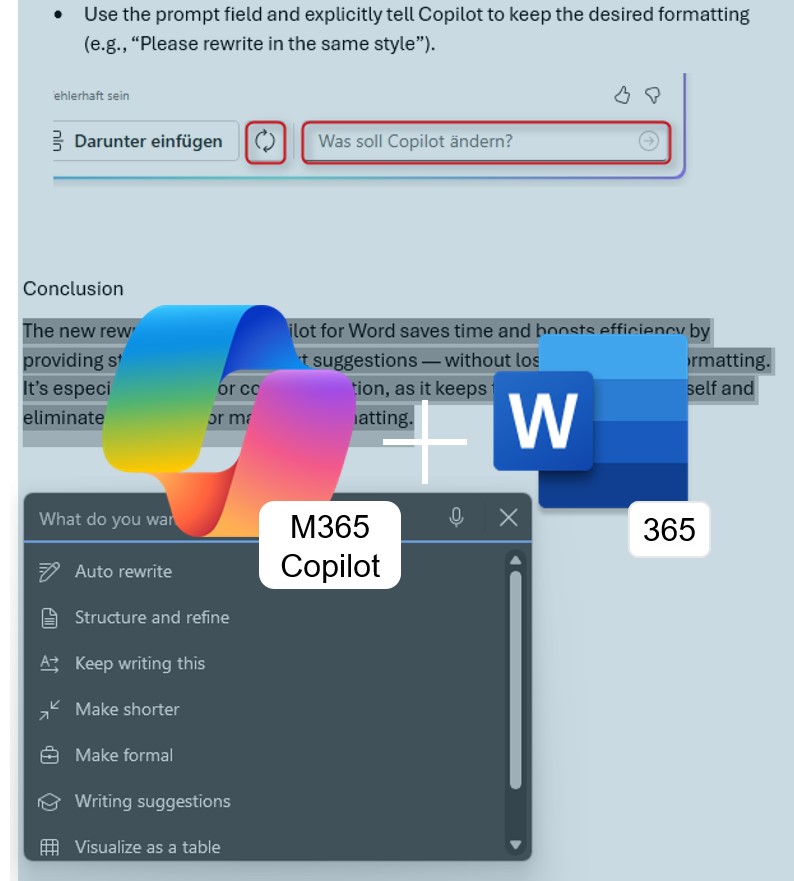
Edit with Copilot in Word: From Chat Pane to Real Co‑Author
No more copy-pasting from the side panel: Edit with Copilot rewrites, restructures, and refines your content directly in the Word document—across multiple conversational turns. Here’s what the feature can do and how to get early access.
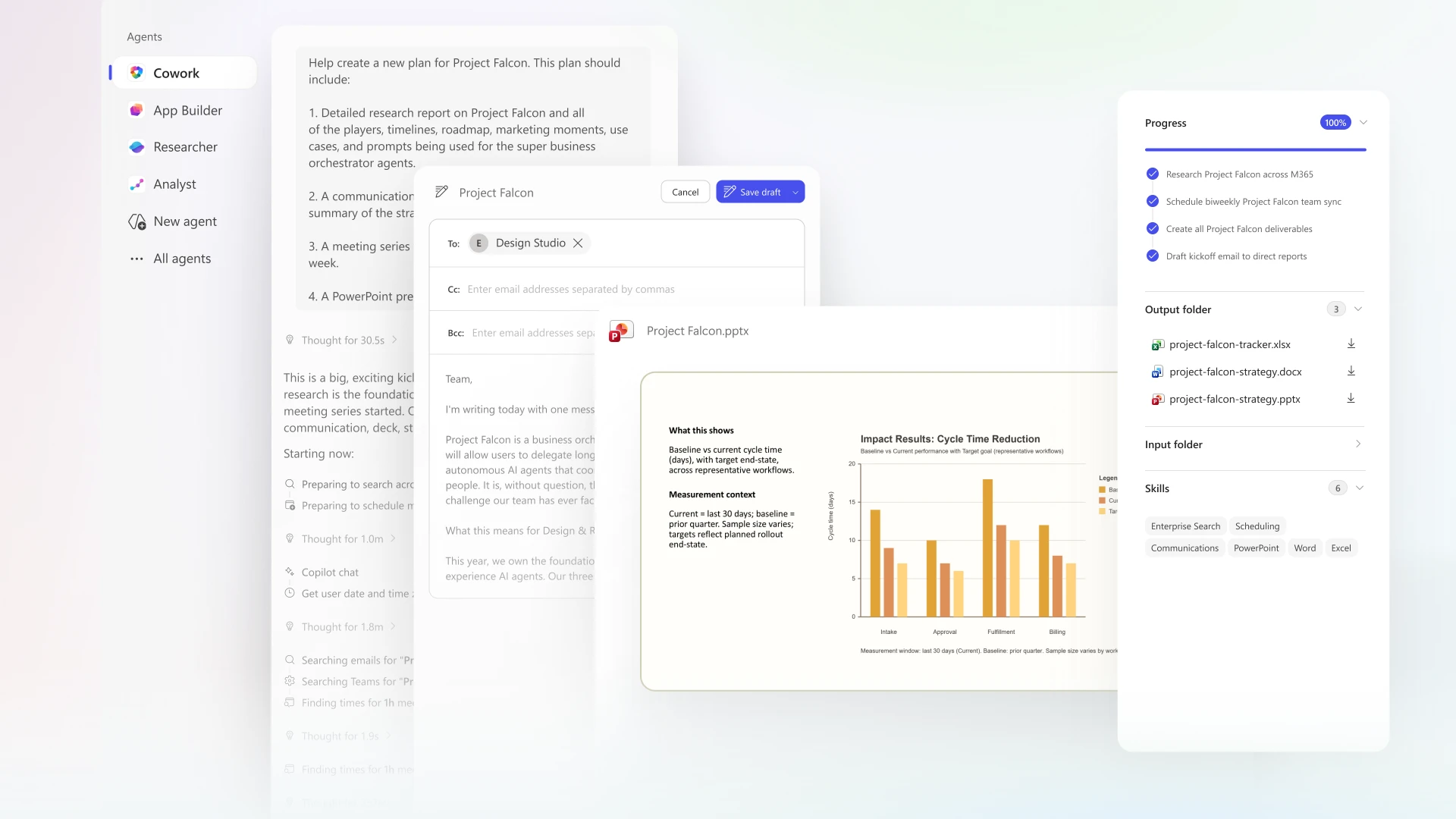
Copilot Cowork: Your AI Colleague for the Stuff That Eats Your Day
What if you could hand off an entire workflow instead of writing yet another prompt? Copilot Cowork is Microsoft’s new AI agent that turns a goal into a multi-step plan—running in the background across Outlook, Teams, and Excel, pausing at checkpoints to keep you in control. Here’s what it can do, what to watch out for, and how to get
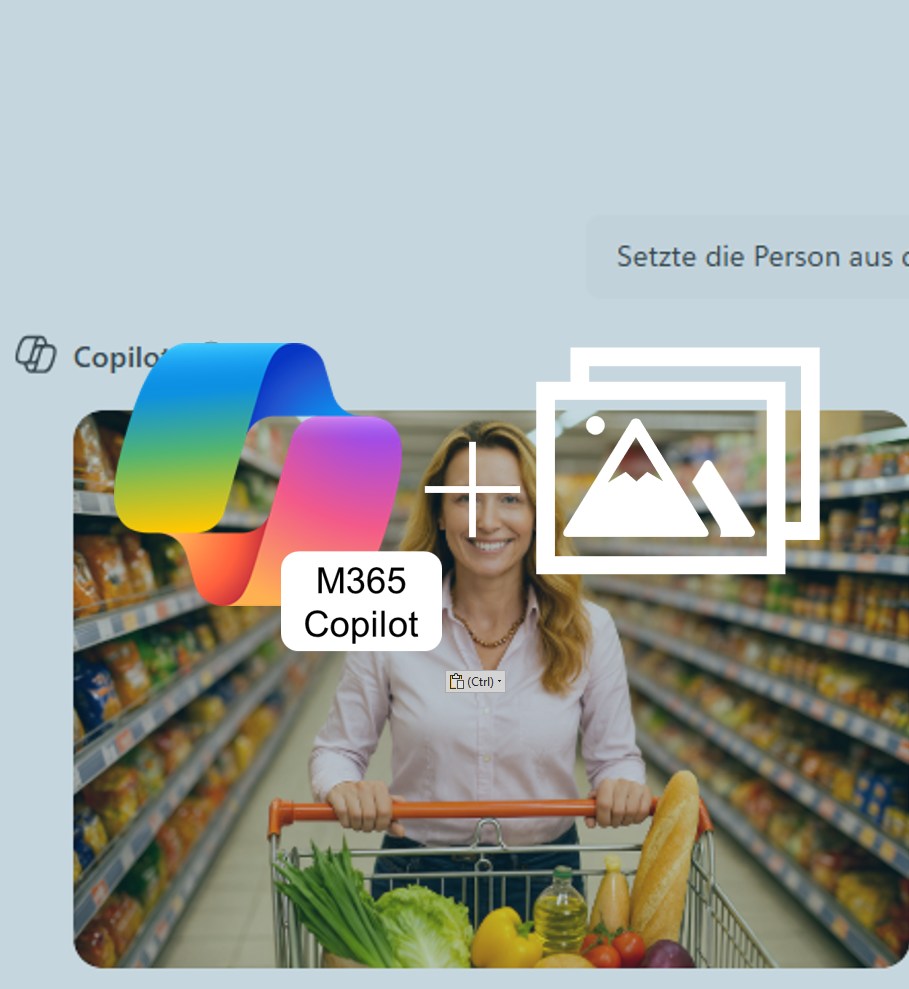
Creatively Redesign Graphics with M365 Copilot
M365 Copilot can now generate new variations from your own images. Upload a picture, enter a prompt, and within seconds you’ll get creative results perfectly tailored to your individual needs.
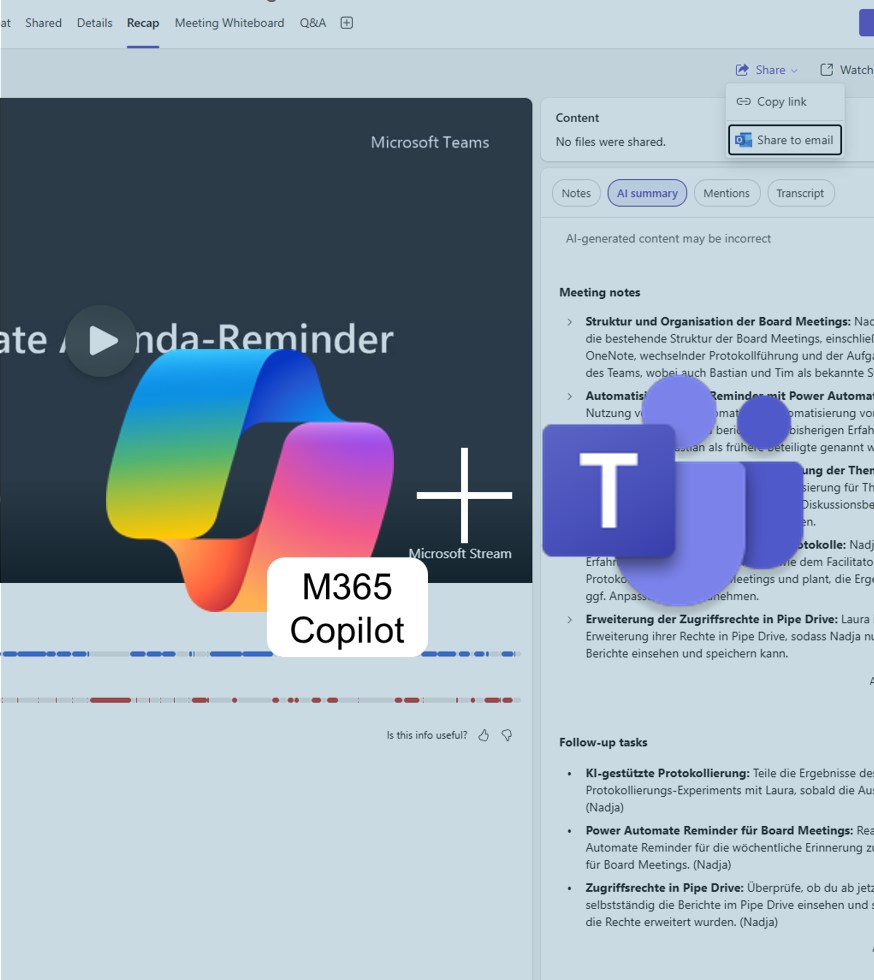
Share Copilot Meeting Summaries with Your Team
With M365 Copilot for Teams, you can now share meeting summaries directly with colleagues — clearly structured and without the hassle of email. This keeps everyone up to date and ensures a consistent level of information. In this way, Copilot becomes the meeting recorder for all participants.
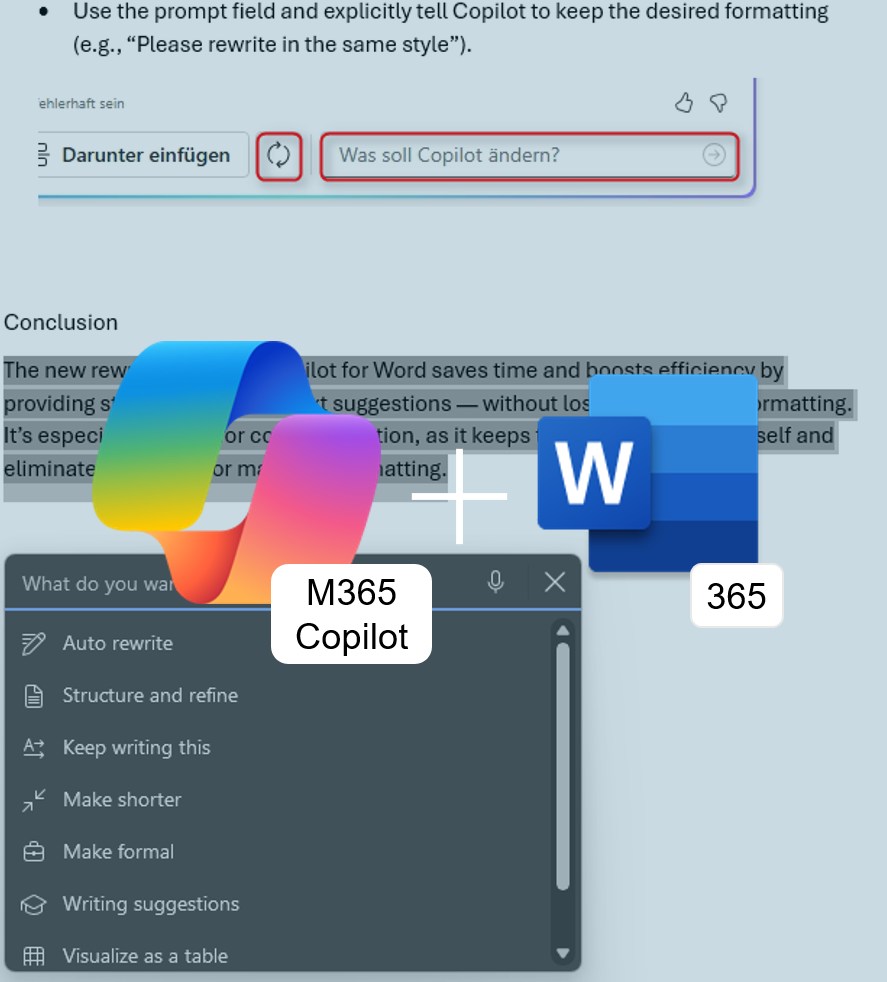
Copilot for Word: Rewrite with Style
No more reformatting: Microsoft Copilot in Word365 now not only knows how to elegantly rephrase text — it also preserves your existing formatting. Learn how this update speeds up your document editing.