


Referencing Excel365 Files in M365 Copilot for PowerPoint365
It’s widely known that M365 Copilot can create PowerPoint presentations based on Word documents. This is especially practical if you regularly write concepts or strategy papers that later need to be visually prepared and presented. Now, the same process also works with Excel files. Here’s what it’s good for — and how well it actually works.
=COPILOT() in Excel365
With the Copilot side panel in Excel, you can already formulate tasks in natural language—but now it gets even more direct: The new =COPILOT() function brings artificial intelligence straight into your cells.
Seamless work with AI, right in the worksheet.
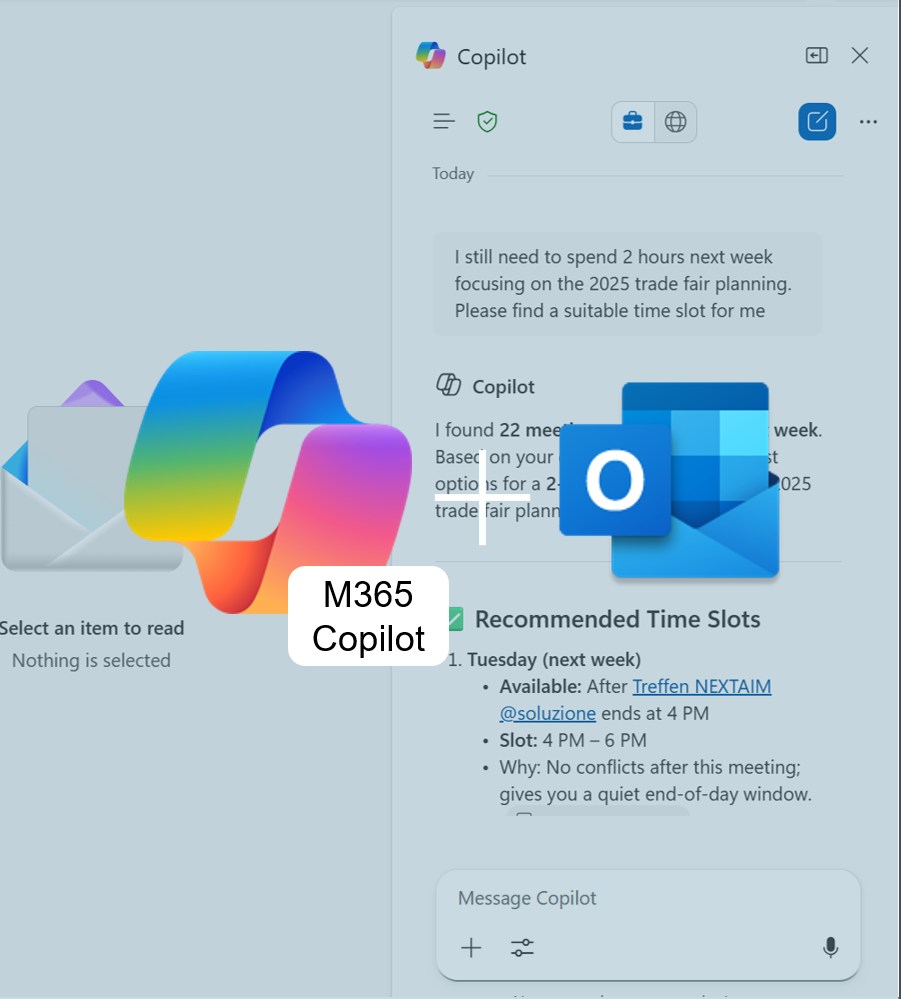
Copilot summary Outlook attachements
Long emails with too many attachments? Outlook 365 + M365 Copilot gives you instant summaries of PowerPoint, Word & PDF files — no app-switching, no overwhelm. Fast, secure, and perfect for staying on top of your inbox.

Copilot for Teams: The Interpreter
Another meeting with international clients coming up — this time from China? And what was “Budgetfreigabeordnung” in English again? No more improvising your business English! Try out the new Interpreter feature in M365 Copilot for Teams and discover how AI can help you overcome language barriers with ease.

M365 Copilot custom instructions
Save shortcuts and personalized instructions in M365 Copilot for your most common commands. This way, the AI delivers results in your style — fast, precise, and perfectly aligned with your work context.

Personalized AI with M365 Copilot Memory
Do you find yourself repeatedly telling M365 Copilot the same formatting preferences or constantly pasting project details into your prompts? With the Memory feature, you can save yourself that extra effort.