



M365 Copilot breaks the 1.5 million word barrier
M365 Copilot will soon be able to process up to 1.5 million words per file — a major leap forward for working with large documents. Learn what new possibilities this unlocks and what to watch out for in our latest post!
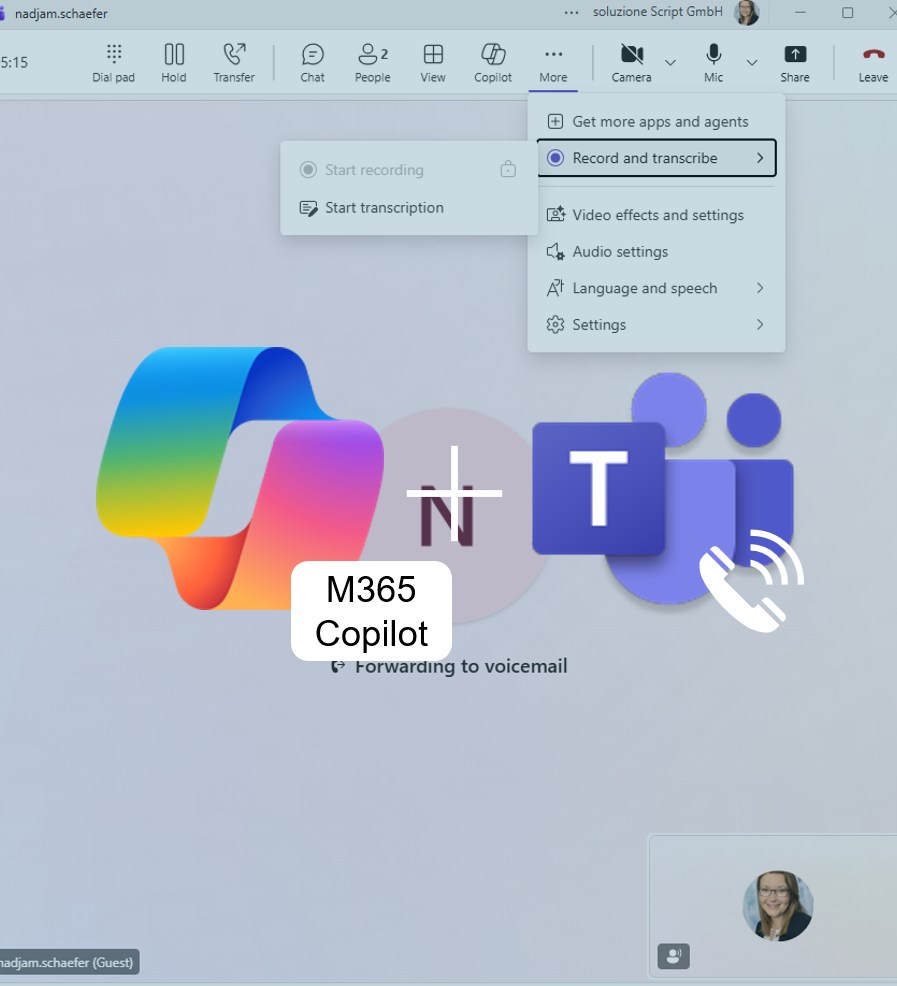
M365 Copilot for Teams Calls: Never Take Notes Again
Start a conversation, enable transcription – and M365 Copilot automatically creates meeting notes and an action list. Perfect for anyone who wants to stay fully focused on the discussion. A true everyday productivity boost and another step toward smarter, AI-powered work!
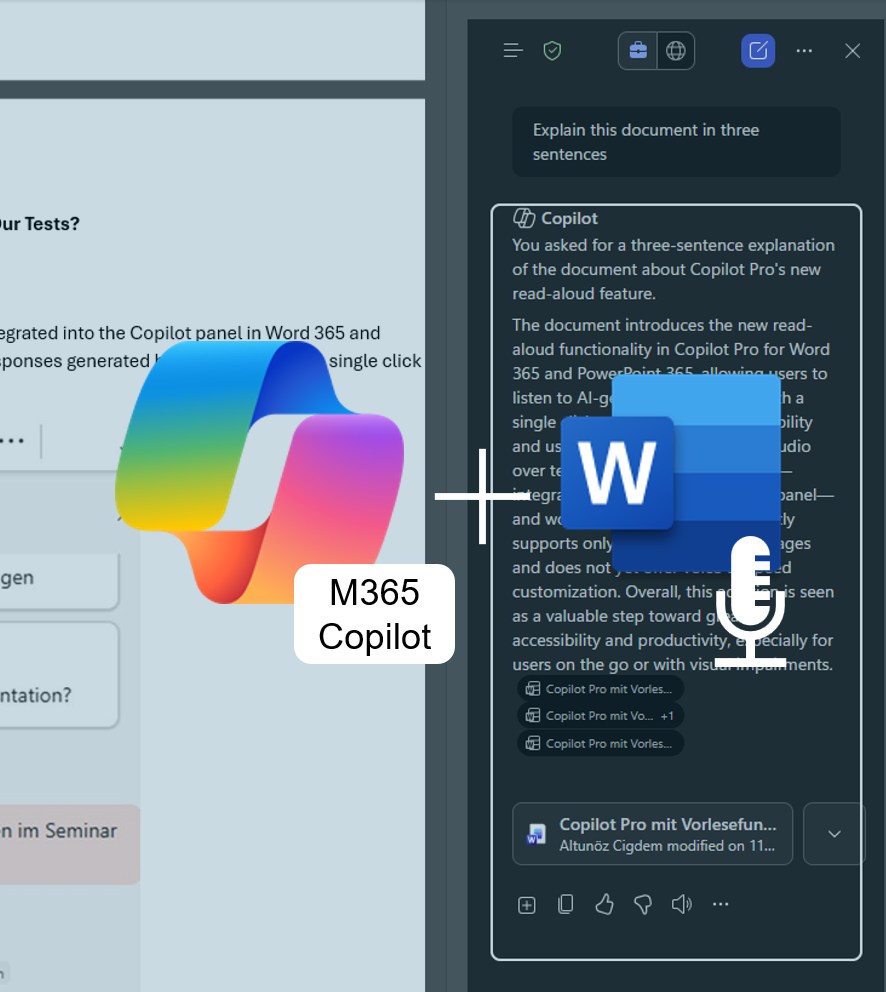
M365 Copilot Features Read-Aloud in Word 365 and PowerPoint 365
Microsoft is expanding M365 Copilot with a practical read-aloud feature. Content in Word 365 and PowerPoint 365 can now be listened to directly — perfect for those who prefer listening over reading. A real added value in terms of accessibility and everyday usability!
Revolution in Data Analysis: Microsoft 365 Copilot Analyst Has Arrived!
Discover how Microsoft 365 Copilot Analyst acts as your virtual data scientist—simplifying complex analyses and accelerating data-driven decision-making. Available since March 2025.
How to dictate prompts in Teams and Copilot Chat
Dictate your prompts – make M365 Copilot even more intuitive! With the Windows 11 dictation feature, you can save time and control M365 Copilot in Teams or the Microsoft 365 Copilot app entirely with your voice.
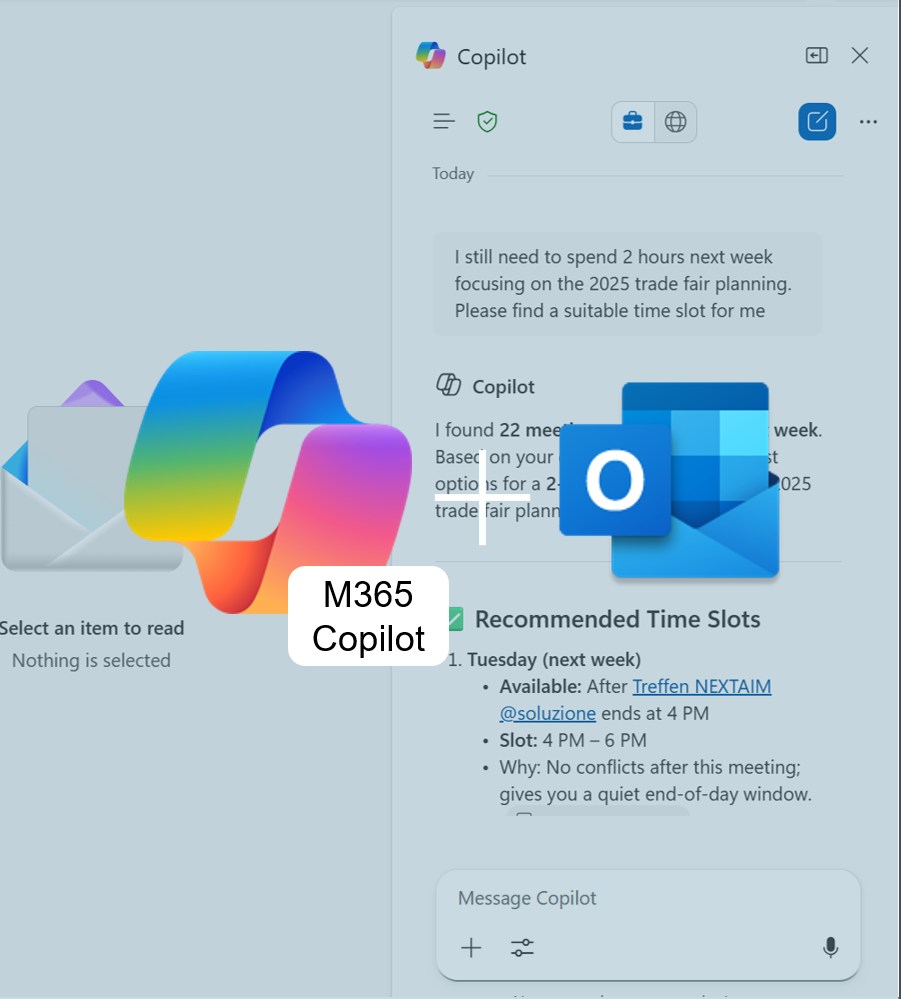
Scheduling Meetings with M365 Copilot in Outlook 365
Copilot Pro gets smarter: schedule meetings with a simple prompt. See how well it finds available time slots, where it saves time, and where group scheduling still struggles. Perfect for anyone who wants to plan meetings faster and more efficiently.