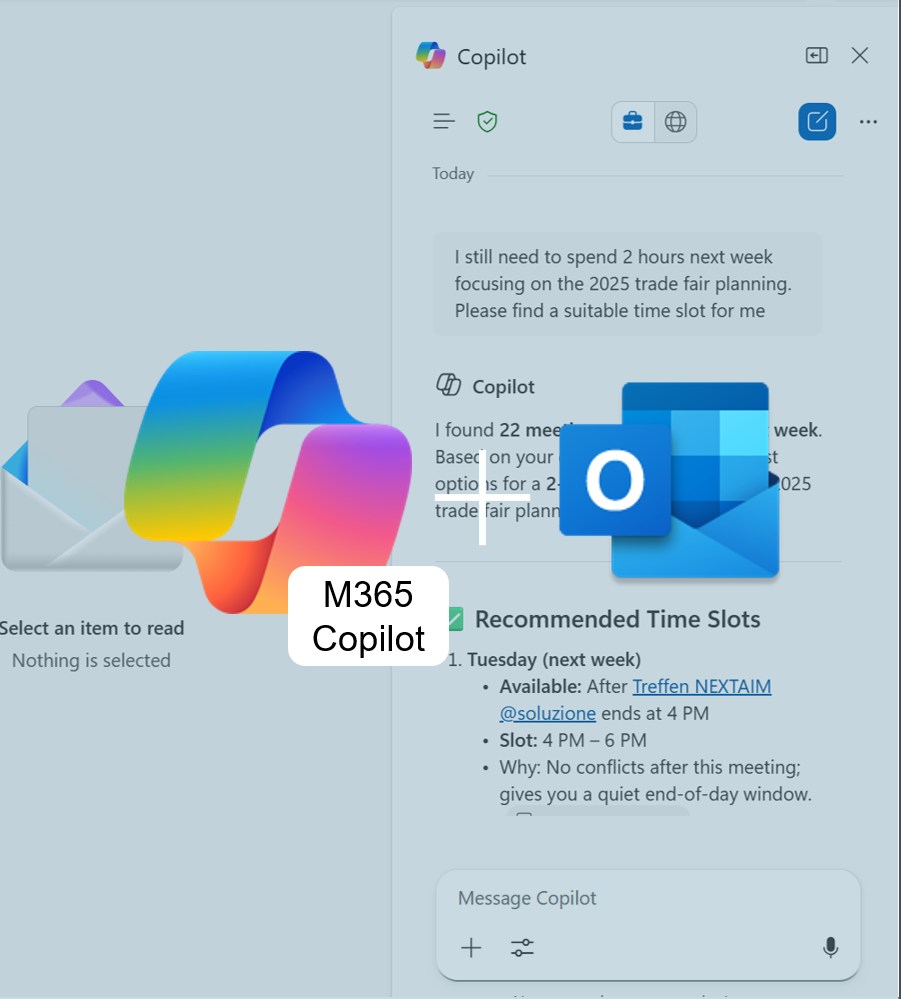


Copilot summary Outlook attachements

Long attachments in Outlook? M365 Copilot summarizes them for you.

Got a long email with multiple attachments? No problem — Outlook365 with M365 Copilot can summarize the attached files for you, whether they’re added as traditional attachments or shared via OneDrive links. This helps you stay on top of things without constantly switching between apps.

Added value: Time savings    Scenario: E-Mail processing    Reading time: 4 minutes      Difficulty: Beginner

Evaluation of the function

User-friendly
Direct and easy integration into Outlook365. 90%
Time-saving
Fast generation, no need to switch between apps. 100%
Added value
Attachments are processed in compliance with data protection standards — a real security advantage. 90%
Potential
Quite useful for everyday work. 90%

How does the function perform?

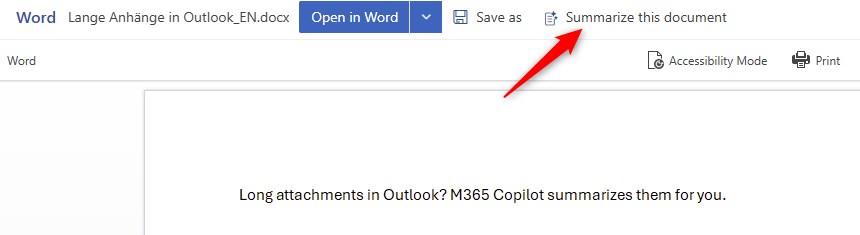
  • Click the attachment to open it in the outlook  preview window.
  • Then click Summarize this document.


We tested the feature using sample emails and took a closer look at the currently supported file formats — PowerPoint, Word, and PDF. Our goal was to find out how reliably Copilot performs in Outlook and how useful the generated summaries really are in practice.


Pros

  • In our tests, the summaries proved to be reliable, and the overall quality was consistent.
  • The content was clearly structured by topic, making it easy to read and understand.
  • Performance was also impressive: within less than ten seconds, the completed summary was ready — a useful way to get a quick overview of the file’s content.
  • Thanks to Microsoft Copilot’s strict compliance standards, company data is processed exclusively within your organization and is not used to train or improve AI models. This ensures that even sensitive client documents remain protected and confidential.

Cons

  • Currently, only PowerPoint, Word, and PDF files are supported — all other formats are excluded.
  • In addition, only one file can be summarized per request. Unfortunately, there’s no option to process multiple attachments at once, which can make handling emails with many documents significantly more cumbersome.
  •  

The summary feature in Outlook proves to be a practical aid in everyday work: it saves time and is seamlessly integrated into Outlook. Thanks to Microsoft’s strict compliance standards, Copilot users don’t have to worry about data privacy or security. While the feature’s functionality is still somewhat limited, Copilot already helps to noticeably reduce email overload.