
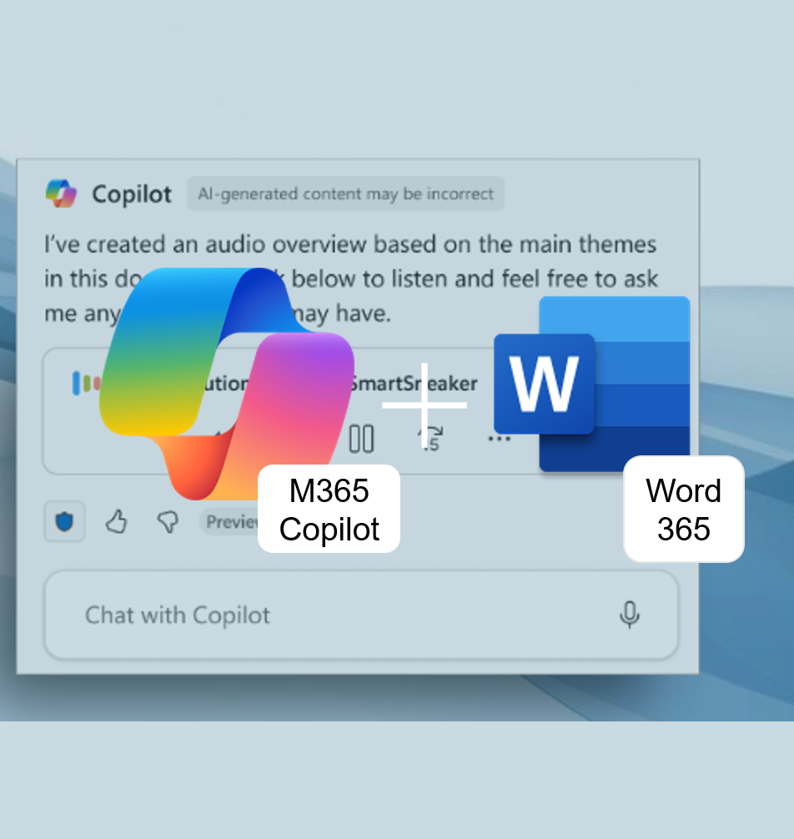
With Voice Interaction in Audio Overview, you can now ask questions directly within Microsoft 365 Word while listening, instead of pausing playback and searching through the document yourself. This is especially useful for long proposals, meeting notes, or briefings that you want to review on the go or between meetings. We take a look at what is already known and highlight the key areas you should pay close attention to when getting started.
Author: Administrator
New feature announced: Start Copilot actions directly from the document
New feature announced: Start Copilot actions directly from the document In the new OneDrive file preview, Copilot actions will soon be directly visible—rather than switching to a separate Copilot view, you can start relevant actions closer to the open document. For users who frequently just quickly review, summarize, or share files, this can significantly shorten… Continue reading New feature announced: Start Copilot actions directly from the document
Edit with Copilot in Word: From Chat Pane to Real Co‑Author
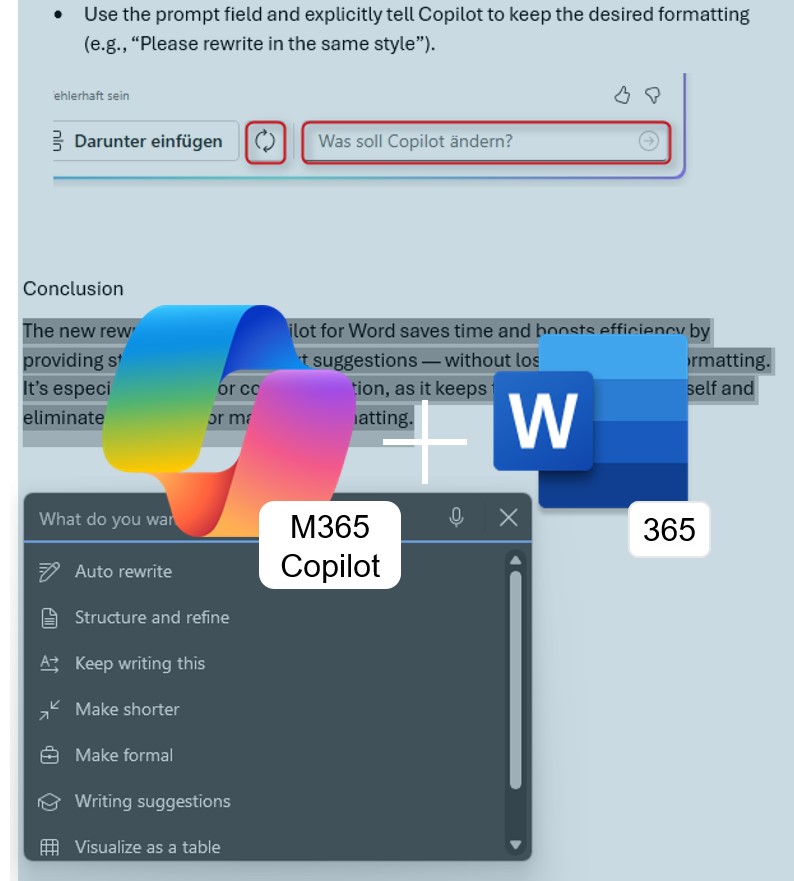
No more copy-pasting from the side panel: Edit with Copilot rewrites, restructures, and refines your content directly in the Word document—across multiple conversational turns. Here’s what the feature can do and how to get early access.
Copilot Cowork: Your AI Colleague for the Stuff That Eats Your Day
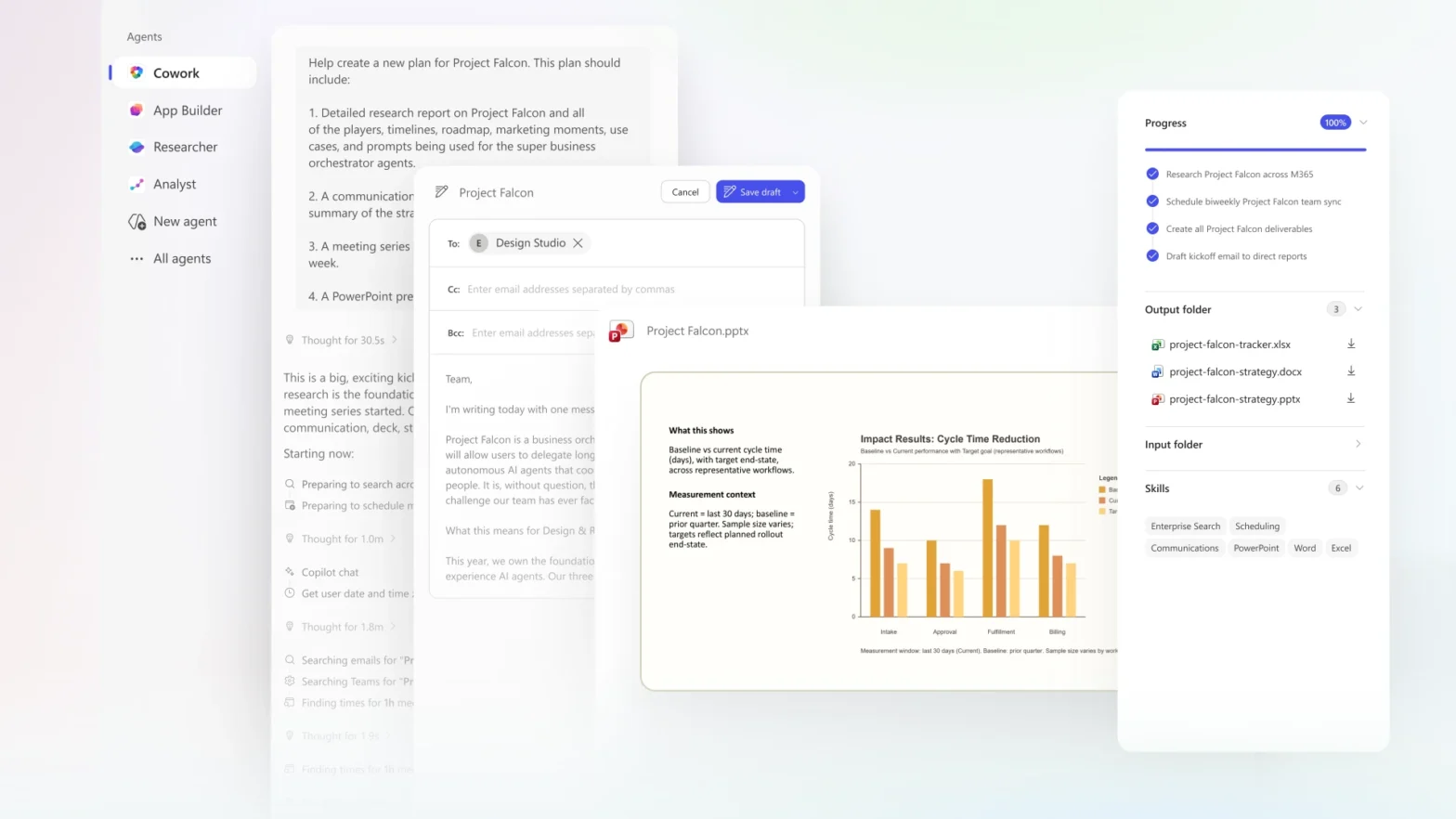
What if you could hand off an entire workflow instead of writing yet another prompt? Copilot Cowork is Microsoft’s new AI agent that turns a goal into a multi-step plan—running in the background across Outlook, Teams, and Excel, pausing at checkpoints to keep you in control. Here’s what it can do, what to watch out for, and how to get started.
Creatively Redesign Graphics with M365 Copilot
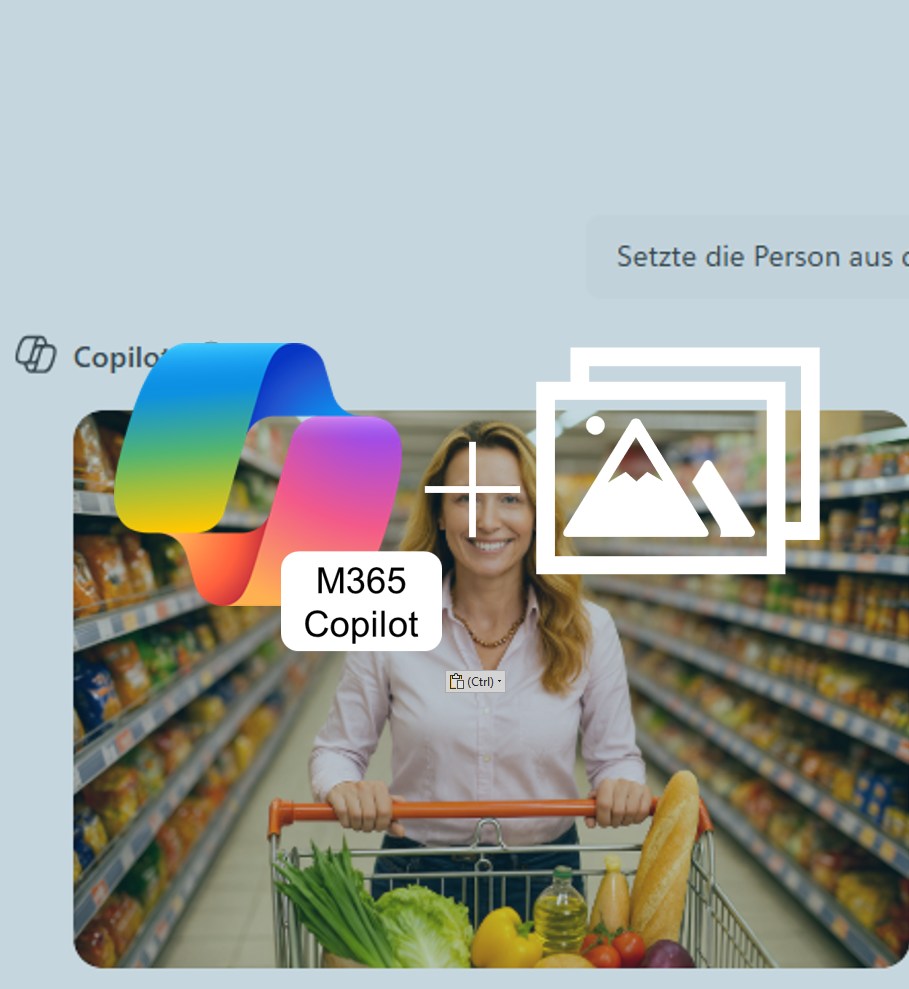
M365 Copilot can now generate new variations from your own images. Upload a picture, enter a prompt, and within seconds you’ll get creative results perfectly tailored to your individual needs.
Share Copilot Meeting Summaries with Your Team
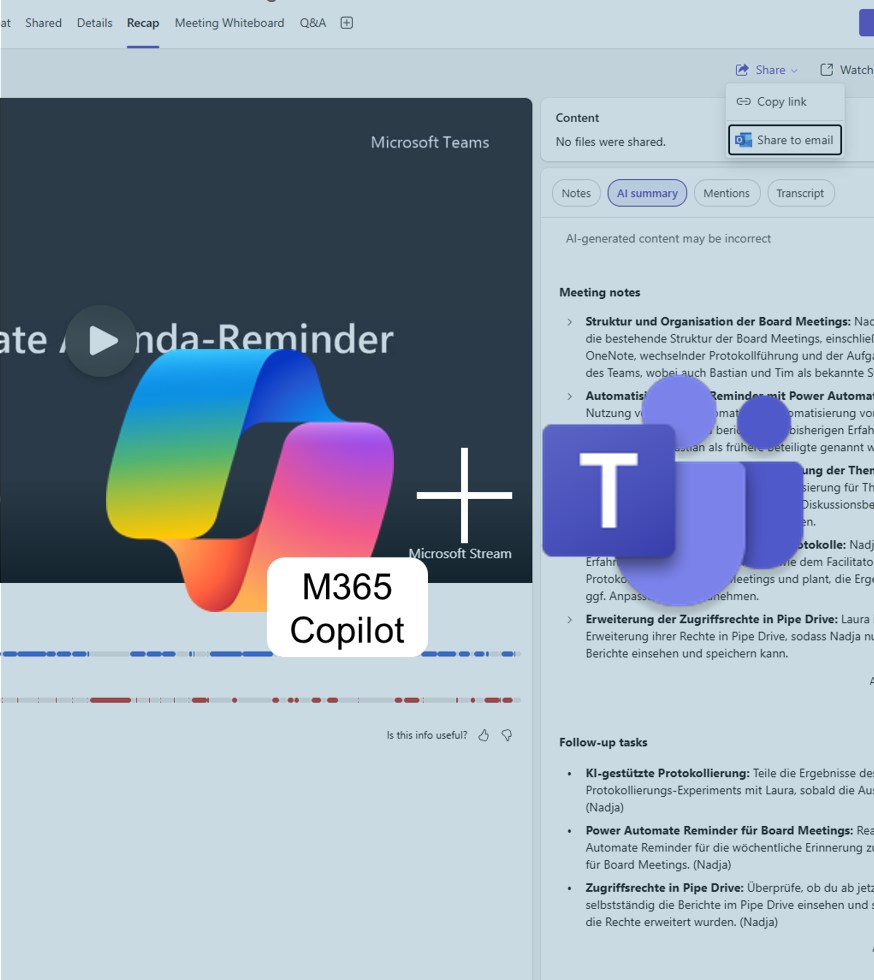
With M365 Copilot for Teams, you can now share meeting summaries directly with colleagues — clearly structured and without the hassle of email. This keeps everyone up to date and ensures a consistent level of information. In this way, Copilot becomes the meeting recorder for all participants.
Copilot for Word: Rewrite with Style
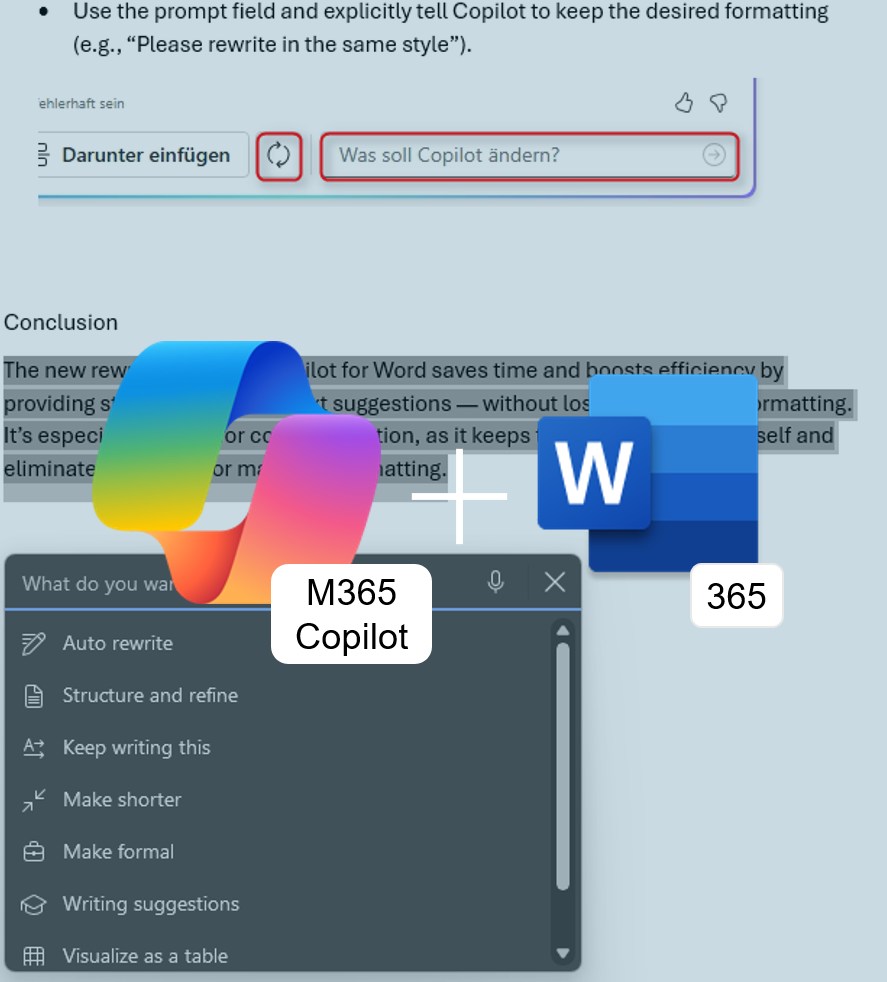
No more reformatting: Microsoft Copilot in Word365 now not only knows how to elegantly rephrase text — it also preserves your existing formatting. Learn how this update speeds up your document editing.
Referencing Excel365 Files in M365 Copilot for PowerPoint365
It’s widely known that M365 Copilot can create PowerPoint presentations based on Word documents. This is especially practical if you regularly write concepts or strategy papers that later need to be visually prepared and presented. Now, the same process also works with Excel files. Here’s what it’s good for — and how well it actually works.
=COPILOT() in Excel365
With the Copilot side panel in Excel, you can already formulate tasks in natural language—but now it gets even more direct: The new =COPILOT() function brings artificial intelligence straight into your cells.
Seamless work with AI, right in the worksheet.
Copilot summary Outlook attachements
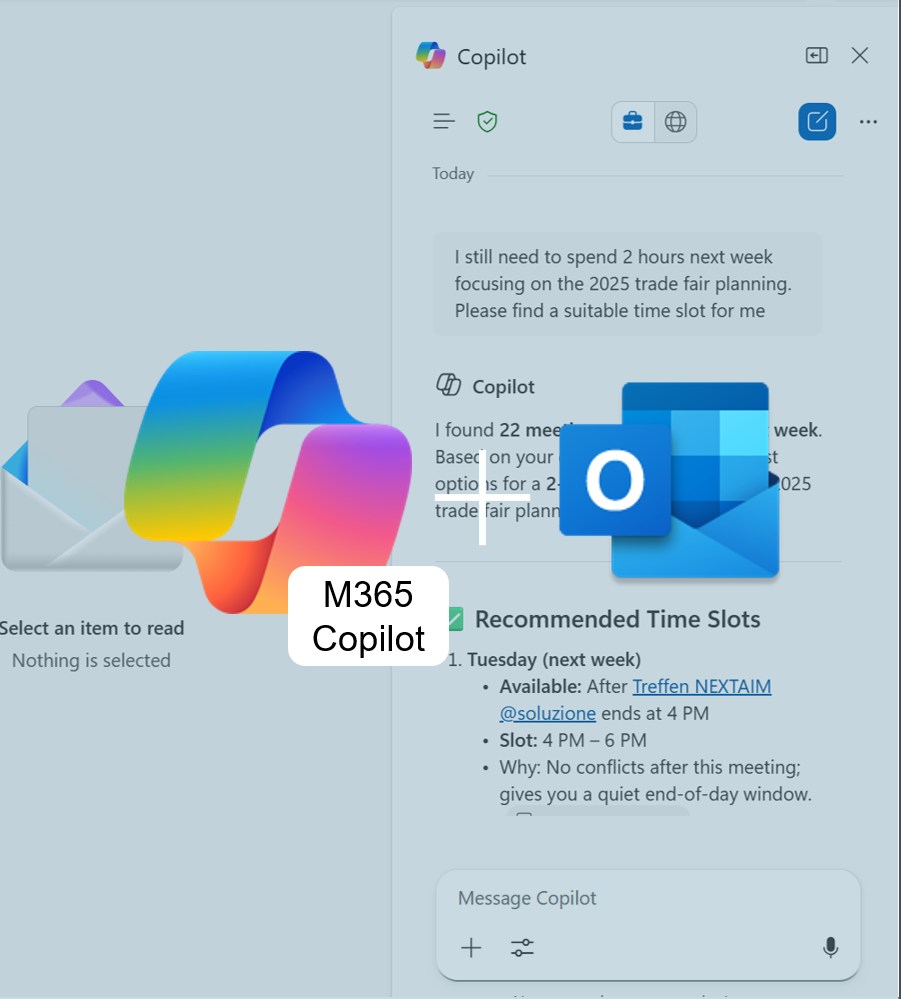
Long emails with too many attachments? Outlook 365 + M365 Copilot gives you instant summaries of PowerPoint, Word & PDF files — no app-switching, no overwhelm. Fast, secure, and perfect for staying on top of your inbox.