

Another meeting with international clients coming up — this time from China? And what was “Budgetfreigabeordnung” in English again? No more improvising your business English! Try out the new Interpreter feature in M365 Copilot for Teams and discover how AI can help you overcome language barriers with ease.
Author: Administrator
M365 Copilot custom instructions

Save shortcuts and personalized instructions in M365 Copilot for your most common commands. This way, the AI delivers results in your style — fast, precise, and perfectly aligned with your work context.
Personalized AI with M365 Copilot Memory

Do you find yourself repeatedly telling M365 Copilot the same formatting preferences or constantly pasting project details into your prompts? With the Memory feature, you can save yourself that extra effort.
Copilot in Excel: More clarity for complex formulas

Learn how M365 Copilot in Excel365 can help you understand unfamiliar or complex formulas. Save time interpreting external data — and improve your Excel skills along the way.
Research results in 30 minutes instead of 3 days
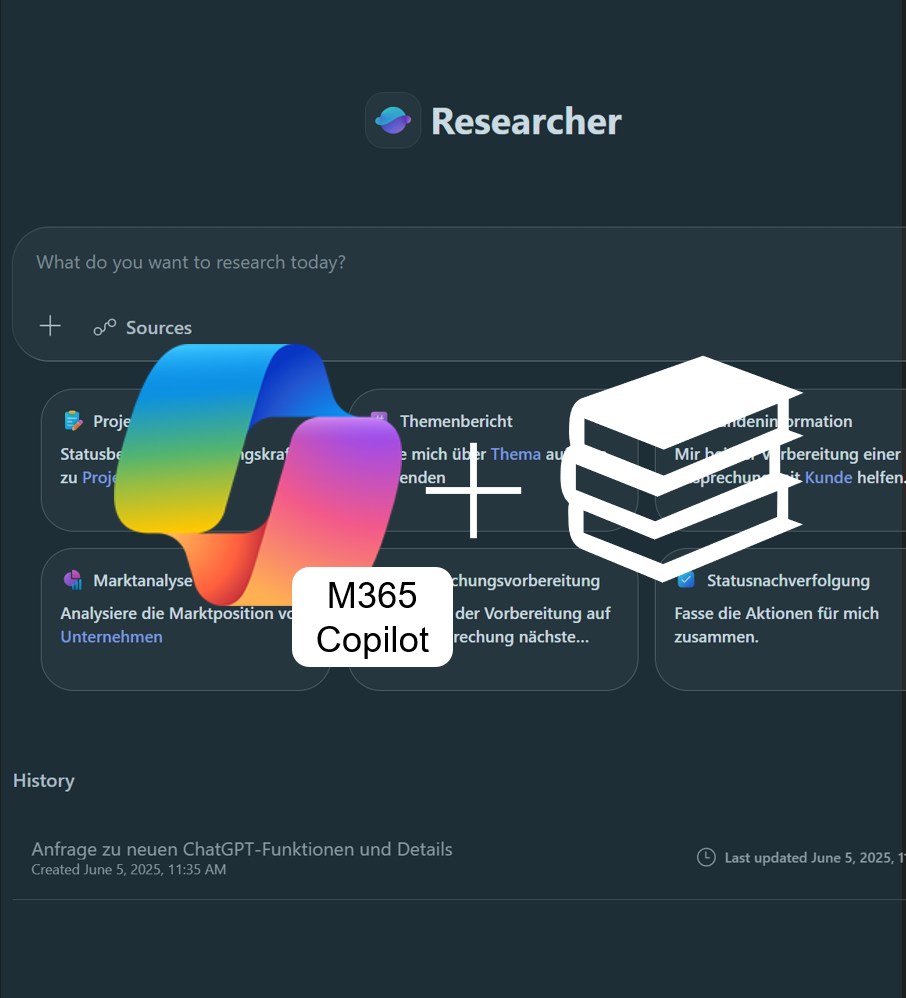
Discover Copilot Researcher: Create comprehensive research reports from online sources in just minutes. Learn how this AI-powered feature transforms the way you conduct research and helps you gain well-founded insights faster — all in our latest article.
M365 Copilot breaks the 1.5 million word barrier
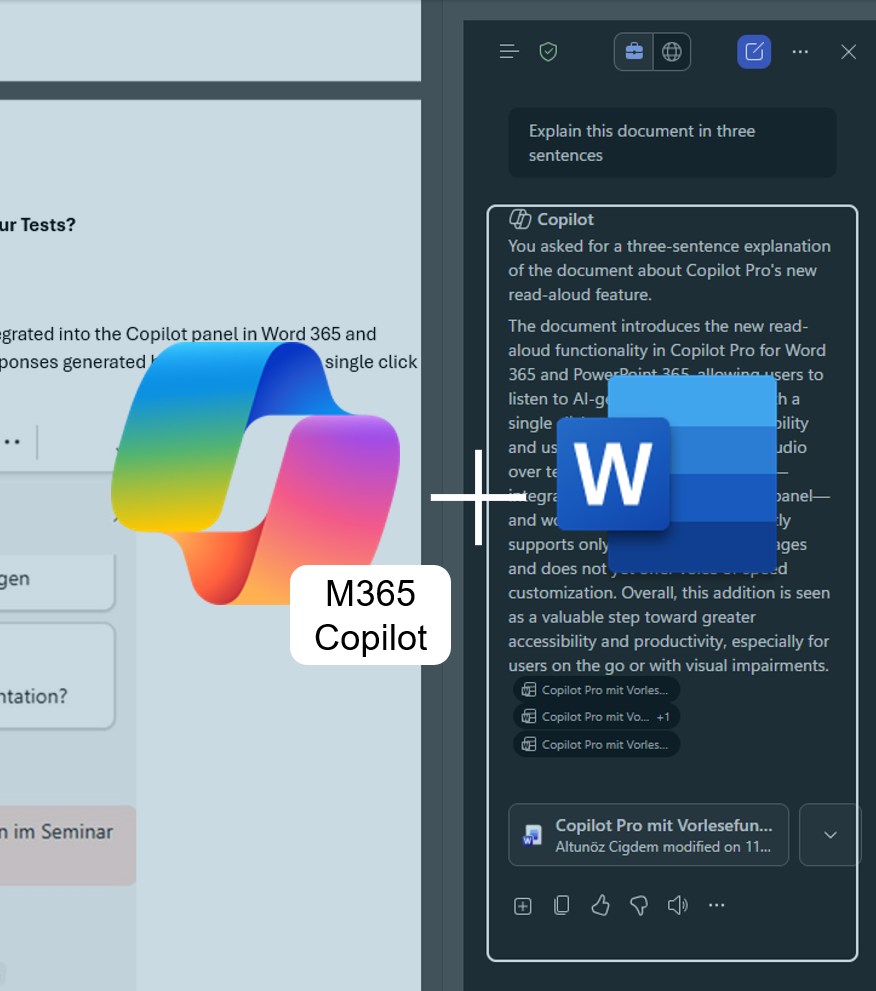
M365 Copilot will soon be able to process up to 1.5 million words per file — a major leap forward for working with large documents. Learn what new possibilities this unlocks and what to watch out for in our latest post!
M365 Copilot for Teams Calls: Never Take Notes Again
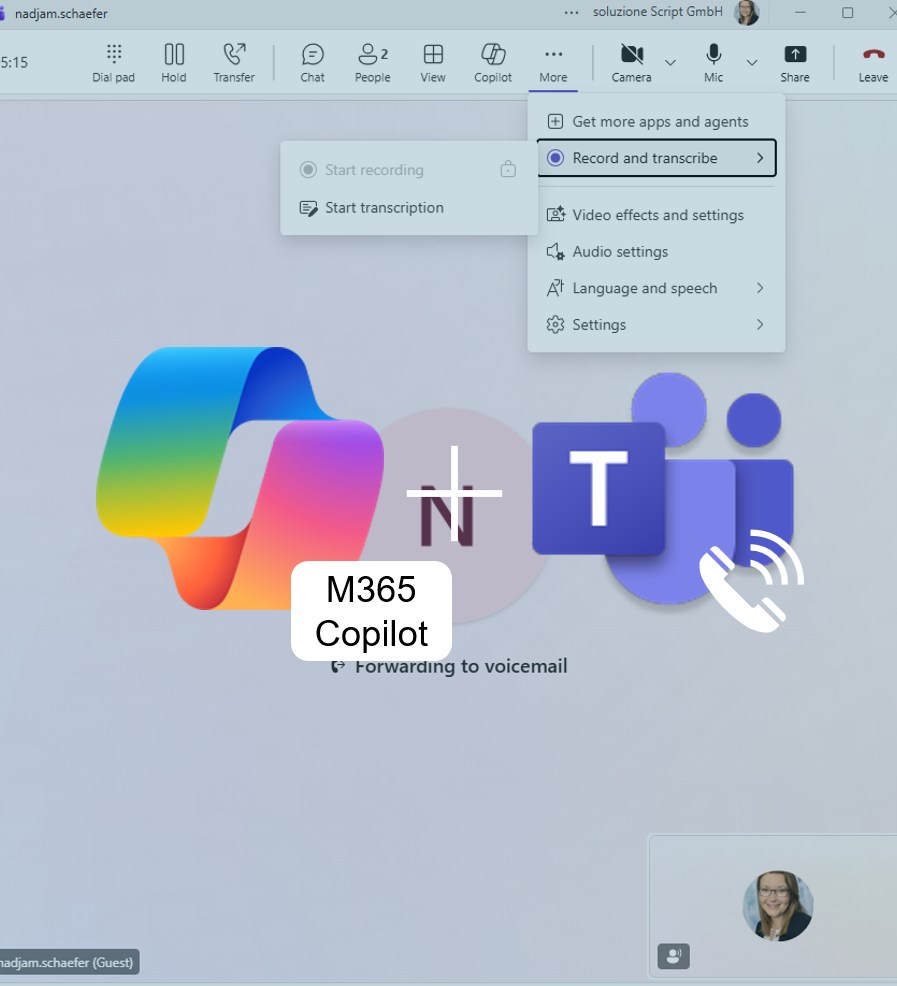
Start a conversation, enable transcription – and M365 Copilot automatically creates meeting notes and an action list. Perfect for anyone who wants to stay fully focused on the discussion. A true everyday productivity boost and another step toward smarter, AI-powered work!
M365 Copilot Features Read-Aloud in Word 365 and PowerPoint 365
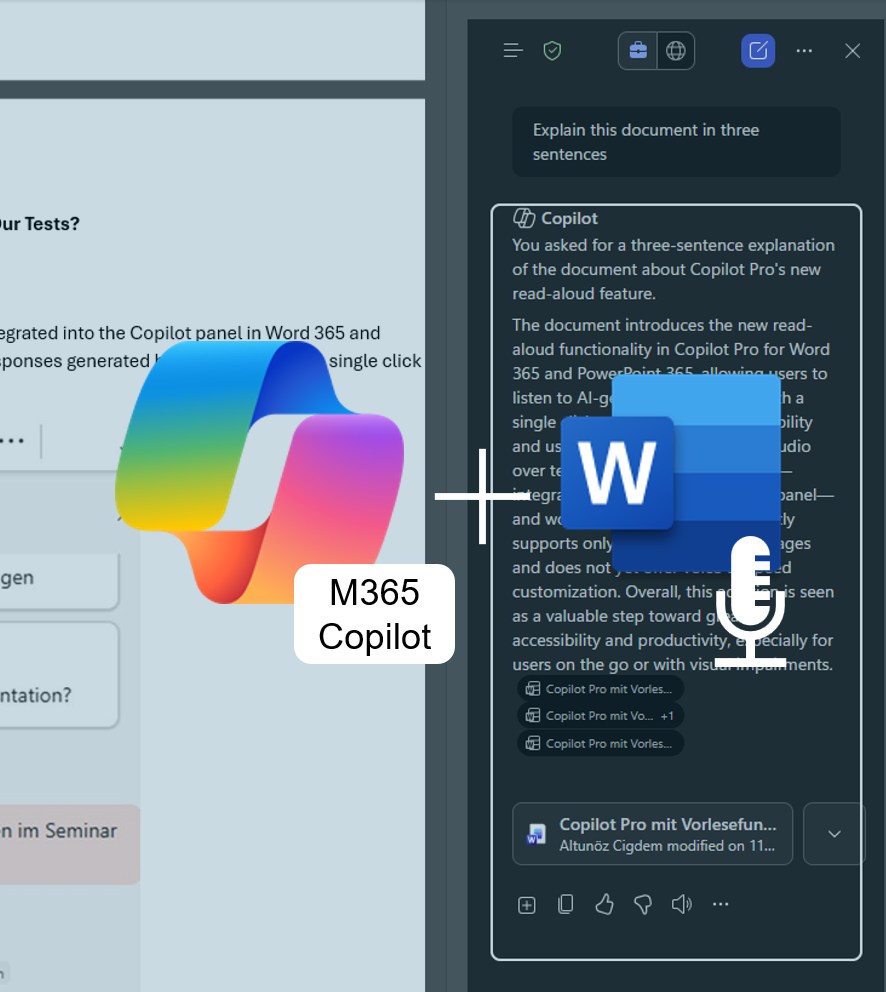
Microsoft is expanding M365 Copilot with a practical read-aloud feature. Content in Word 365 and PowerPoint 365 can now be listened to directly — perfect for those who prefer listening over reading. A real added value in terms of accessibility and everyday usability!
Revolution in Data Analysis: Microsoft 365 Copilot Analyst Has Arrived!
Discover how Microsoft 365 Copilot Analyst acts as your virtual data scientist—simplifying complex analyses and accelerating data-driven decision-making. Available since March 2025.
How to dictate prompts in Teams and Copilot Chat
Dictate your prompts – make M365 Copilot even more intuitive! With the Windows 11 dictation feature, you can save time and control M365 Copilot in Teams or the Microsoft 365 Copilot app entirely with your voice.