
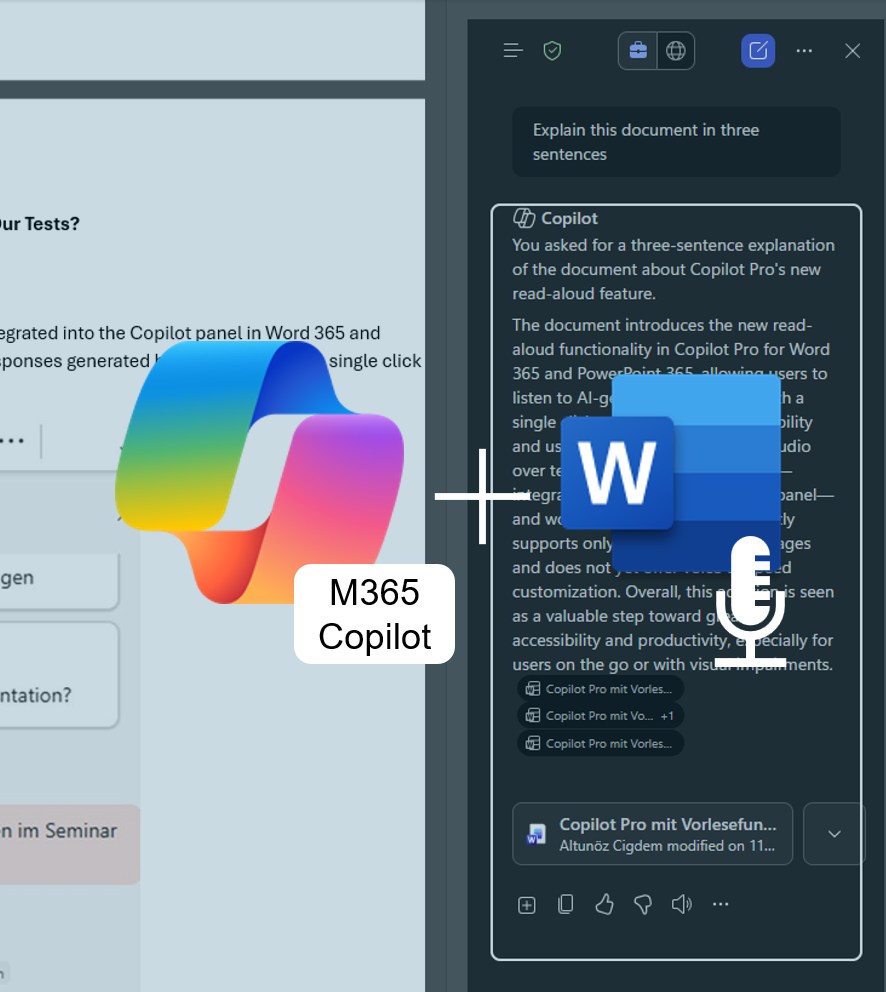


M365 Copilot now features read-aloud in Word 365 and PowerPoint 365
Microsoft has added a practical new feature to Copilot in Word 365 and PowerPoint 365: responses can now be read aloud directly. This enhancement not only improves accessibility for users with visual impairments but also benefits anyone who prefers listening to information rather than reading it.

Added value: Accessibility
Scenario: Data Processing
Reading time: 2 minutes
Difficulty: Beginner
Evaluation of the function
How does the function perform?
How it works
The read-aloud feature is directly integrated into the Copilot panel in Word 365 and PowerPoint 365. You can listen to responses generated by M365 Copilot with a single click on the play icon.

Our Experience
Whether short or long responses — the read-aloud feature works consistently well. Microsoft uses a standardized AI voice that is clear and easy to understand. You can also pause the playback at any time and resume it later.
If you enjoy interacting with AI using your voice, it’s worth giving this feature a try: Ask M365 Copilot to summarize a document or pose a question about its content — both can already be done via voice input. What’s new is that you can now have the answer read aloud to you as well. This makes the feature especially practical when you’re on the go.
Notable Observations
Currently, the feature is limited to selected languages and does not offer a choice between different voices. Adjustments such as speech speed or tone are also not available yet.
We had expected the feature to be available in the Word 365 app on our smartphones as well, but at the time of testing, this was not yet the case. We hope Microsoft will add this functionality in the future.
Conclusion
The new read-aloud feature in Word 365 and PowerPoint 365 is a valuable addition for users who prefer to consume content audibly. It enhances accessibility and can boost productivity in many everyday situations. The feature has long been a standard in AI applications, and Microsoft is now catching up by enabling a wide range of everyday use cases. However, this potential can only be fully realized once the feature is available across all applications.