


M365 Copilot for Teams Calls: Never Take Notes Again

M365 Copilot for Teams Calls: Never Take Notes Again

We can’t imagine our Teams meetings without the automatically generated meeting notes and task lists from M365 Copilot — and now this feature is finally available for Teams phone calls as well! Handwritten notes are a thing of the past: you can fully focus on the conversation, skip the post-call transcription work, and instantly receive a structured action list.

Added value: Time saving        Scenario: Phone calls       Reading time: 2.5 minutes           Difficulty: Beginner

Evaluation of the function

User-friendly
Activated with a single click – you just need to remember to start the transcript. 100%
Time-saving
Have the conversation, start the transcript, transfer the tasks – Copilot handles the rest. 97%
Added value
No more manual note-taking. Tasks can be transferred directly to To Do or Planner. 100%
Potential
Our favorite! We hope the feature will soon be available on mobile devices. 95%

How does the function perform?

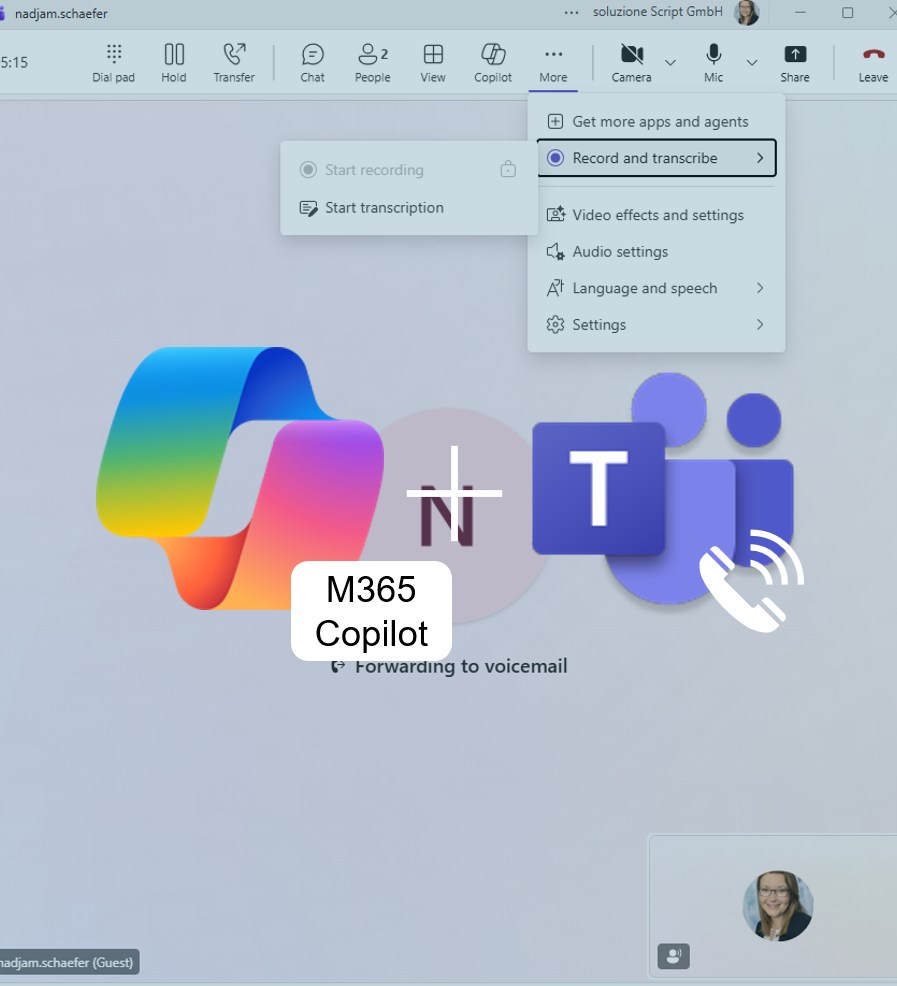
Start the transcription feature during your Teams phone call.

M365 Copilot will automatically generate a meeting summary and an action item list based on the transcript — completely hands-free and with no extra effort required.

We started the feature during a project meeting and afterward received a complete meeting summary along with an action item list. What more could you ask for?

Teams calls made via mobile phones can also generate a transcript through Copilot. However, we didn’t receive the usual summary. On mobile, we can only view the transcript itself. In the Teams app on our laptop, though, we can ask Copilot to create a summary. Hopefully, this will change soon — we’d really welcome that, as there’s a lot of potential here.

The new Copilot feature for Teams phone calls is a true game-changer in everyday work life: less effort, more clarity, and automatically captured action items — that’s exactly how we imagine smart assistants should work. It would be great if the feature became available on mobile soon. That way, meeting notes could be created automatically on the go — another big step toward modern work with an AI boost.