
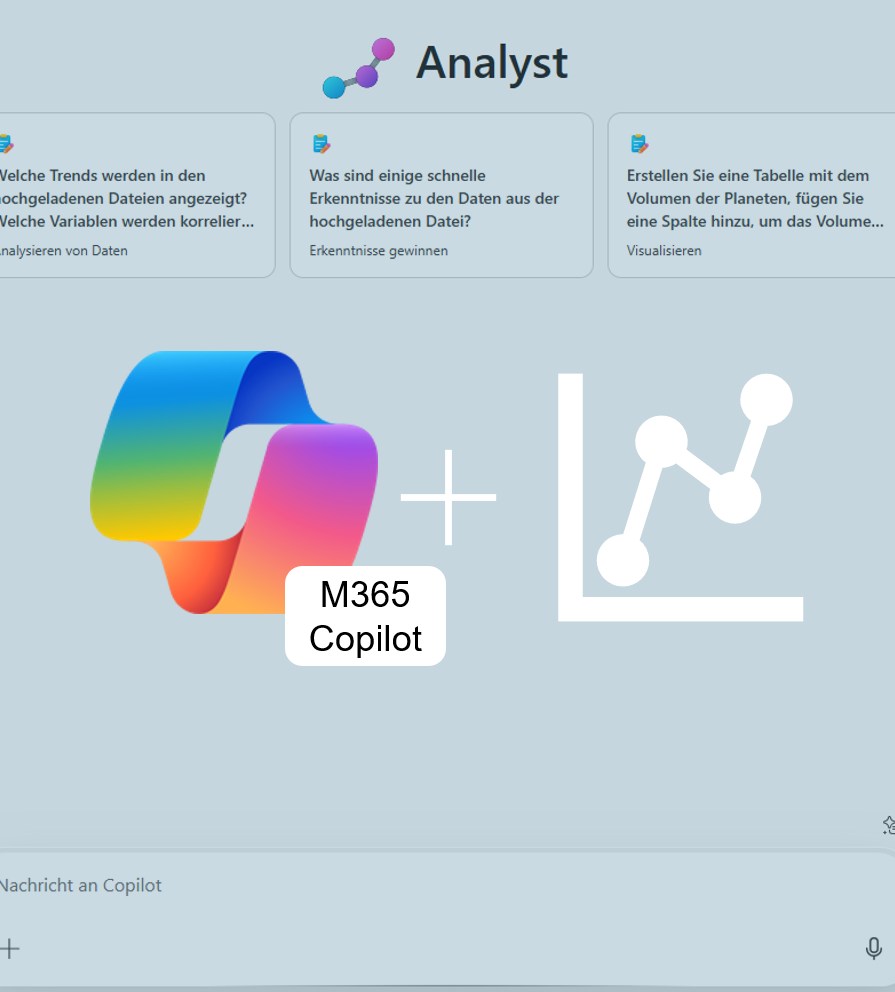


Revolution in Data Analysis: Microsoft 365 Copilot Analyst has arrived!
With the introduction of specialized AI agents — including the innovative Copilot Analyst — Microsoft 365 Copilot has taken a major step forward in its evolution. Designed as a “virtual data scientist,” this agent makes advanced data analysis accessible to users of all technical backgrounds and transforms the way you interact with data. Since March 2025, the Analyst Agent has been gradually rolled out to customers with a Microsoft 365 Copilot license.

Added value: Time savings
Scenario: Data analysis
Reading time: 5 minutes
Difficulty: Advanced
Evaluation of the function
How does the function perform?
Use Case Examples for Everyday Work
| Function | Description | How-to Sentence |
| Understanding and Interpreting Data | Copilot detects patterns, outliers, trends, and anomalies in structured data. | Upload an Excel file and say, “What stands out to you?” – Copilot automatically analyzes the data. |
| Creating Visualizations | Copilot turns data into easy-to-understand charts such as bar, line, or pie charts. | Give the command: “Create a chart showing monthly sales” – Copilot instantly visualizes the numbers. |
| Answering Business Questions | Copilot answers data-driven questions like “Which products are performing best?” or “Where are there anomalies?” | Ask: “Which three products have the highest sales?” – Copilot provides the answer directly from the data. |
| Testing Hypotheses and Delivering Insights | Copilot helps validate assumptions and supports data-driven decision-making. | Formulate the hypothesis: “Did the campaign increase conversions?” – Copilot evaluates it based on the data. |
| Analyzing Text-Based Data | Copilot analyzes customer feedback, surveys, or chat logs and identifies patterns or sentiments. | Upload the feedback data and say: “What are the most common points of criticism?” – Copilot clusters the responses. |
Copilot Analyst in Action
The Microsoft 365 Copilot Analyst is built on OpenAI’s o3-mini reasoning model and has been specifically optimized for advanced data analysis in professional environments. Its standout feature is the ability to use chain-of-thought reasoning to iteratively work through complex problems while executing Python code for sophisticated data queries. You can view the generated code in real time, ensuring transparency and building trust in the analytical process.
How it works
In the left navigation pane, under Agents, select Analyst.

Use the + icon to reference the desired (Excel) file.

Enter your prompt (e.g., “What are the main factors driving the revenue increase this quarter?”).
Test
Numerous in-depth test reports available online make it possible to assess the agent in advance. Based on these, we conducted only a basic test of the feature ourselves.
Overall Evaluation
The agent uses a chain-of-thought approach, navigating through problems step by step while forming, testing, refining, and adjusting hypotheses. This enables it to handle complex analytical tasks. However, in particularly demanding scenarios—such as generating valuation ranges for companies—the agent did not always deliver fully satisfactory results.
Additional Notes
- Dynamic code generation and execution: The Analyst can write, run, and verify Python code — a major advantage for users without programming experience.
- User-friendliness and natural language interaction: You can describe complex analytical tasks in plain language without needing to learn specific commands or syntax.
- Integration within the Microsoft 365 ecosystem: Seamless collaboration with Excel, PowerPoint, and Teams enhances workflow efficiency and simplifies teamwork.
- Robustness against incomplete or vague instructions: The agent can handle imprecise prompts and independently perform relevant analyses.
- Language support: In some tests, communication with the Analyst agent in Excel was only available in English. This may change in future updates.
- You can also access the Analyst in the mobile apps for iOS and Android.
Conclusion
Microsoft 365 Copilot Analyst Agent represents a major step forward in the democratization of advanced data analytics. It makes complex analytical tasks accessible to a wide range of users. Despite some identified limitations — which will likely be addressed in future versions — the Analyst Agent is a valuable addition for organizations aiming to boost efficiency and improve the quality of their analyses.
However, organizations should not yet view the Analyst as a replacement for existing data integration processes. For business-critical analyses that require high levels of precision and reproducibility, specialized data analytics solutions remain essential.