
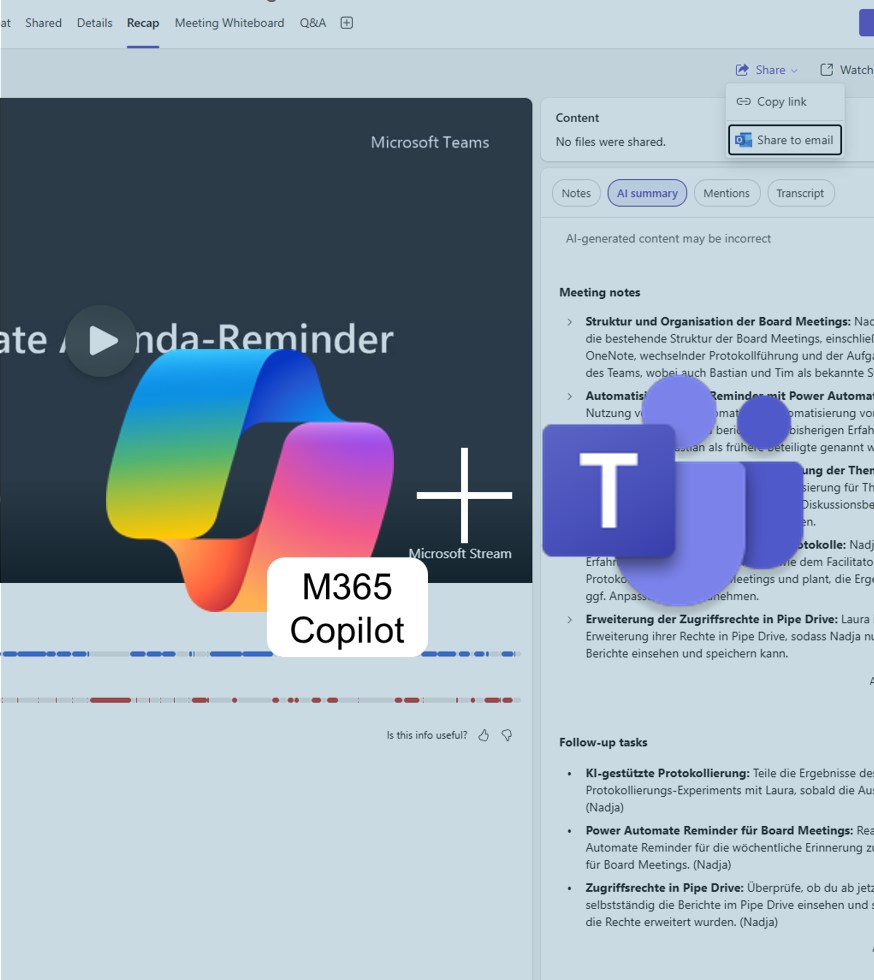


Share M365 Copilot Meeting Summaries with your team
With M365 Copilot for Teams, post-meeting follow-up just got even easier. Until now, Copilot automatically created precise summaries — including key decisions, open tasks, and a clear structure. The new feature adds the ability to share these summaries directly and easily with colleagues.

Added value: Productivity
Scenario: Meeting Follow-Up
Reading time: 3 minutes
Difficulty: Beginner
Evaluation of the function
How does the function perform?
How It Works
- Open the Recap section.
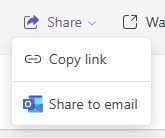
- Click Share

- Select how you want to share the summary.
Test
We tested both options and were pleasantly surprised.
If you select the Copy link option, only the link to the Summary tab is generated and copied to your clipboard. For the link to be accessible, the recipient must have permission to view the corresponding meeting.
If you select the Share via email option, Outlook Online automatically opens in a new browser window. Copilot creates an email draft for you that you can use right away.
- The email text includes a short introduction that can be customized as needed.
- The meeting notes are inserted as plain text.
- Meeting participants are automatically added as recipients.
- You can add additional recipients if desired.
- After you send the email, the email window closes automatically.
The Share to Email feature is particularly helpful because it allows you to send the summary to people who did not attend the meeting or who work outside your organization.
Note: Make sure the transcription is available so that Copilot can generate the summary.
Conclusion
The new sharing feature not only saves time but also ensures that everyone on the team stays quickly and reliably up to date. A clear win for transparent collaboration — and another step toward making meetings truly more efficient.