
Copilot for PowerPoint can now explain shapes and images in the context of the slide they sit on — from a chart to a process diagram. It’s most useful when you need to get your head around someone else’s deck quickly, or turn what’s on a slide into speaker notes, summaries and answers to likely questions. Here’s what’s known so far, and where a little caution still pays off.
Category: Copilot News En
Pick Your Image Engine in PowerPoint Copilot — MAI Image 2.5 and FLUX.2 Flex Join the Line-up
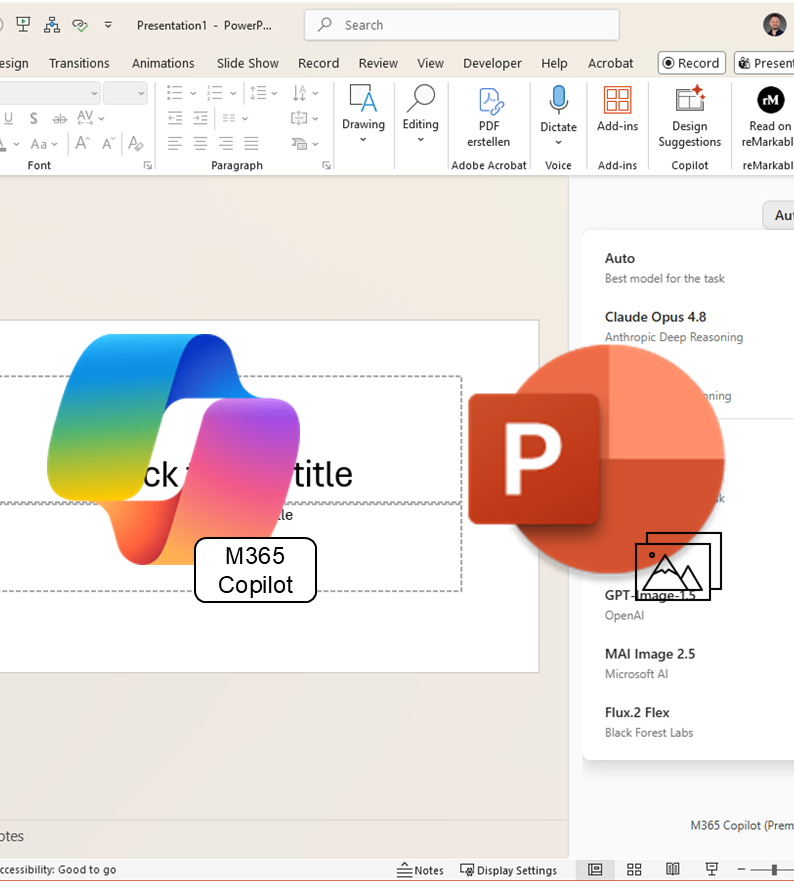
Copilot in PowerPoint now lets you decide which AI model generates your slide images. Two recent additions join the picker: Microsoft’s own MAI Image 2.5 and FLUX.2 Flex from German vendor Black Forest Labs, alongside the familiar GPT-Image models. Here’s what sets them apart, when each one earns its place, and what to watch for with AI-generated images.
New feature announced: Start Copilot actions directly from the document
New feature announced: Start Copilot actions directly from the document In the new OneDrive file preview, Copilot actions will soon be directly visible—rather than switching to a separate Copilot view, you can start relevant actions closer to the open document. For users who frequently just quickly review, summarize, or share files, this can significantly shorten… Continue reading New feature announced: Start Copilot actions directly from the document
Microsoft 365 Copilot: Implicit Grounding in Outlook Chat
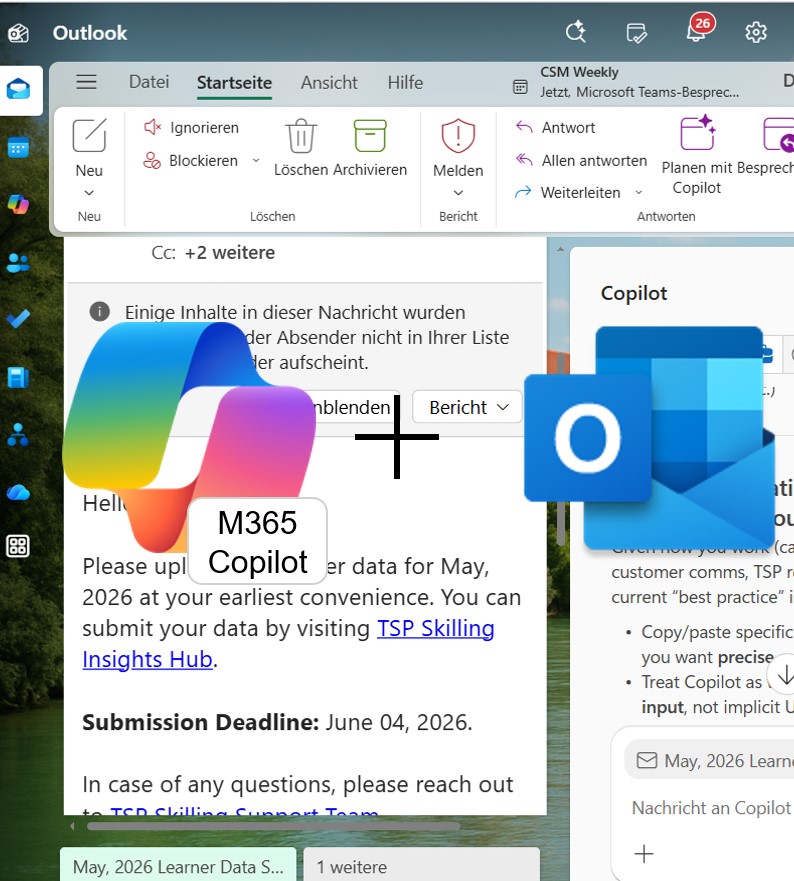
With implicit Outlook context in Microsoft 365 Copilot Chat, an open email, a thread, or a highlighted passage becomes the working context for your question — no copying required. Just open the message and ask the side chat for a summary, a next step, or a suggested reply. Especially handy for full inboxes and those few spare minutes between meetings. Here’s how it works, what’s confirmed, and what to watch for when getting started.
Microsoft 365 Copilot Chat: Open PDFs right inside the chat
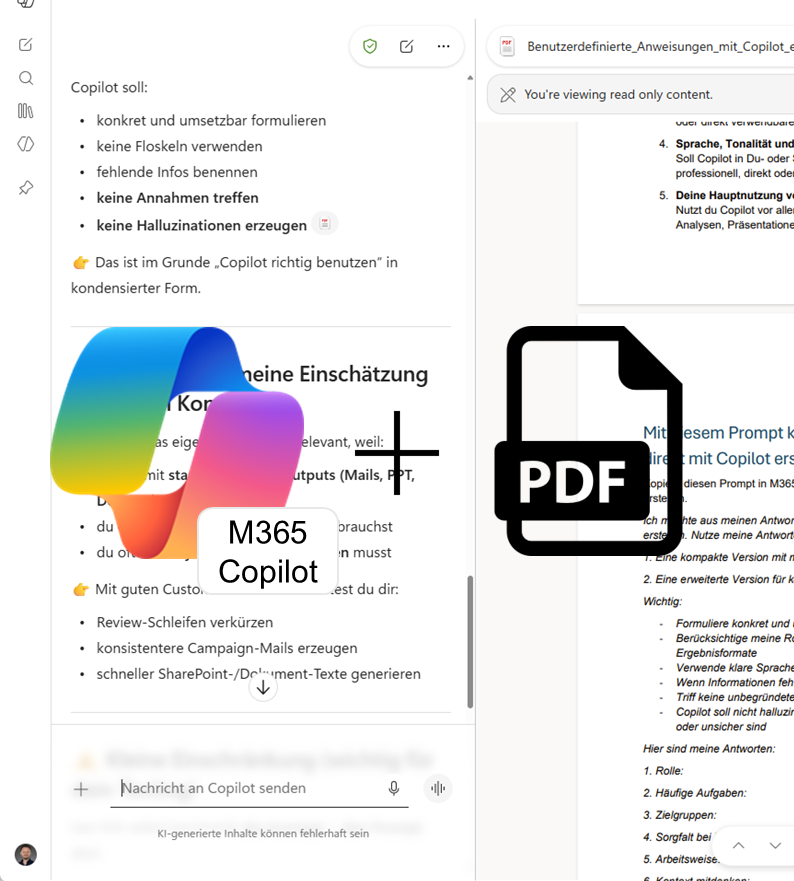
PDFs can now open directly inside Microsoft 365 Copilot Chat, so you no longer have to jump out to a separate viewer just to check a document. That is especially useful when reviewing policies, offers, contracts or reports alongside an ongoing Copilot conversation. We tested the feature and summarised where it helps, what to watch out for and how to try it in your own working environment.
Microsoft 365 Copilot: Your Scheduled Prompts are now Editable
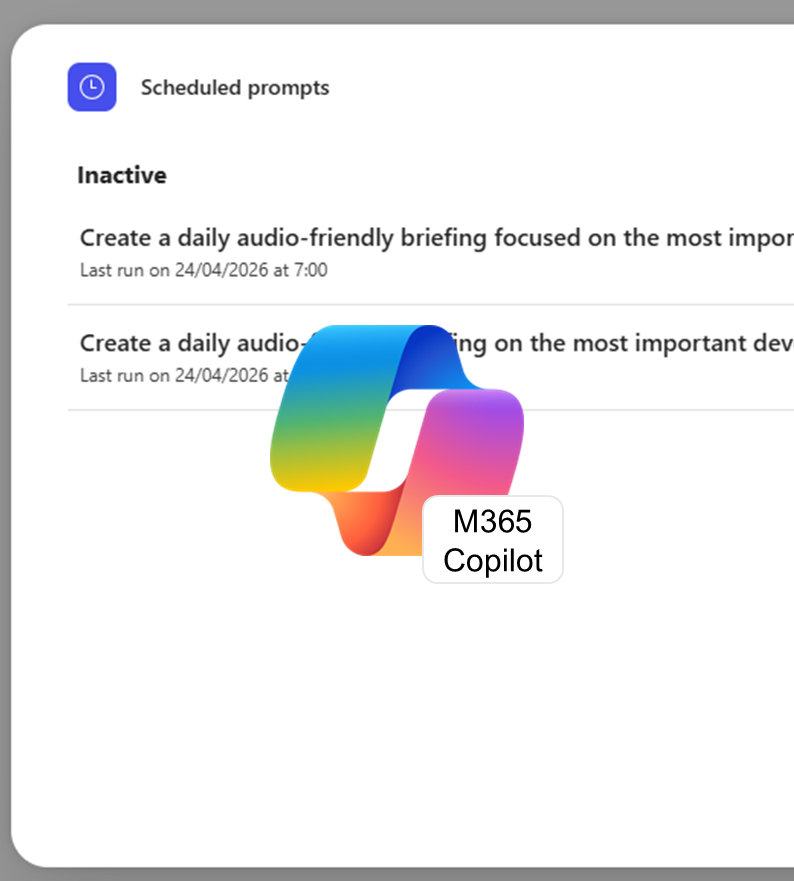
Scheduled prompts in Microsoft 365 Copilot already take the repetition out of routine tasks — and now you can edit existing ones directly instead of setting them up from scratch. For weekly reports, daily briefings, or status checks, that means adjusting the prompt or the execution schedule, or toggling notifications without losing what you’ve already built. Here’s how it works and where it makes the biggest difference.
Copilot can now Analyse Images in Word, PowerPoint, and PDF Files
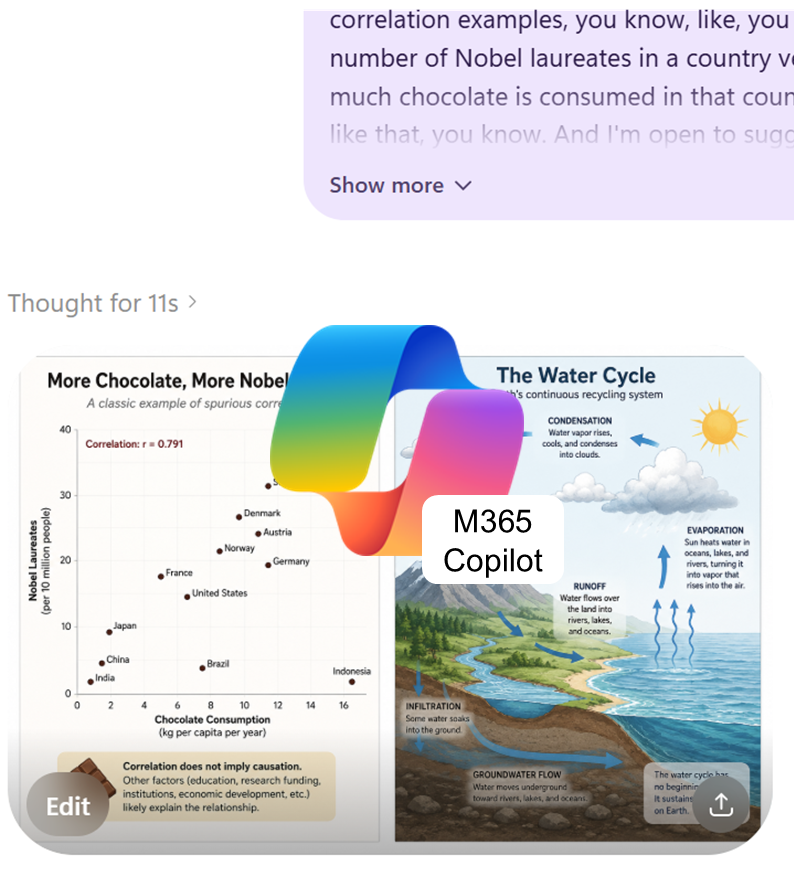
Microsoft 365 Copilot can now pull information from images embedded in documents — charts, screenshots, diagrams — and factor them directly into its answers. Particularly useful for anyone who regularly reviews presentations or reports. Here’s how the feature works and where it still has its limits.
Delegate Calendar Search in Copilot: Scheduling at the Speed of Chat
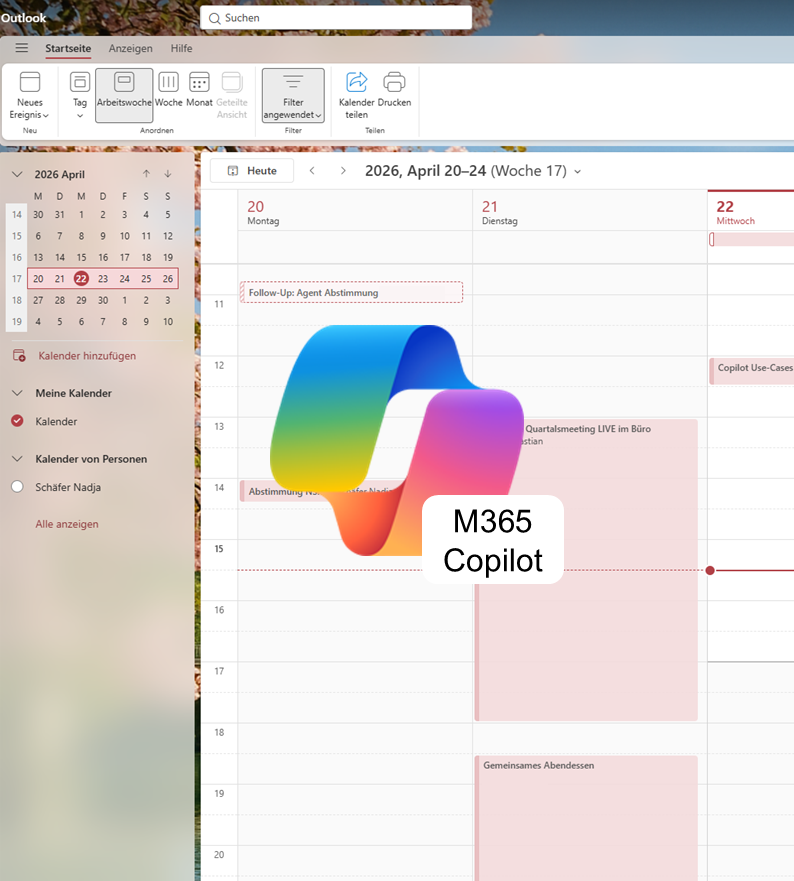
Search the calendars you manage as a delegate in Microsoft 365 Copilot — right from the chat window. Find free slots, catch conflicts, and pull up meeting details without ever switching views, all within the Outlook permissions you already have. We break down what the feature can do, how to set it up, and what the community is saying.
Editing Images in PowerPoint: The Designer Editor in Action
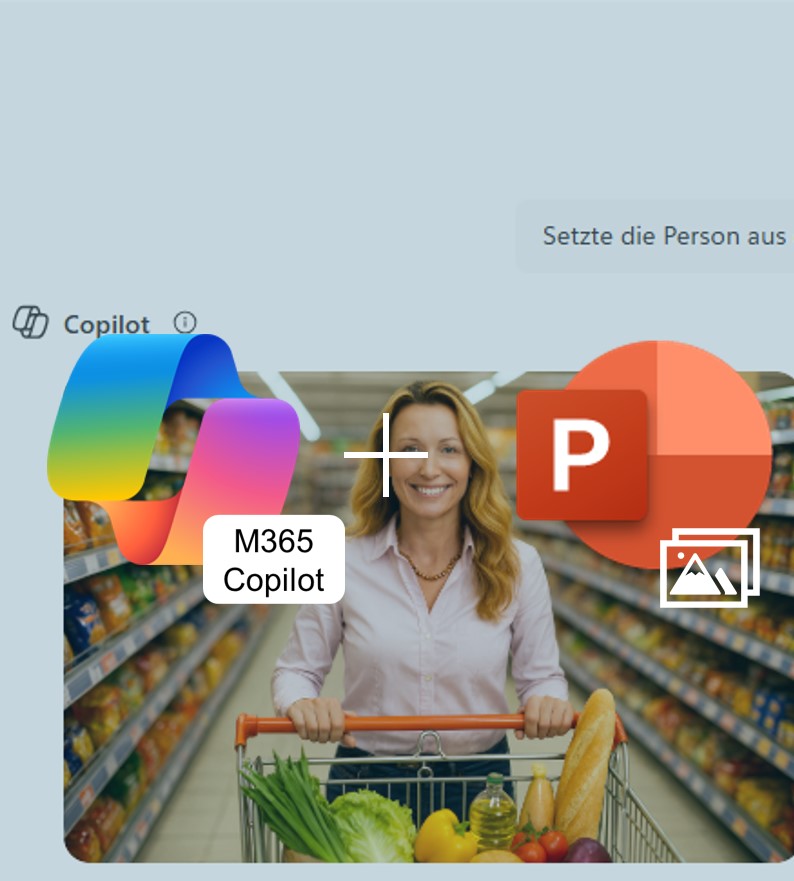
Cut out backgrounds, upscale logos, auto-enhance photos — all directly inside PowerPoint, no more app-switching. The new Designer Editor brings AI-powered image editing straight into your slide deck, turning routine fixes into a matter of minutes. We break down what the feature can do, where its limits are, and how to put it to work.
Edit with Copilot in Word: From Chat Pane to Real Co‑Author
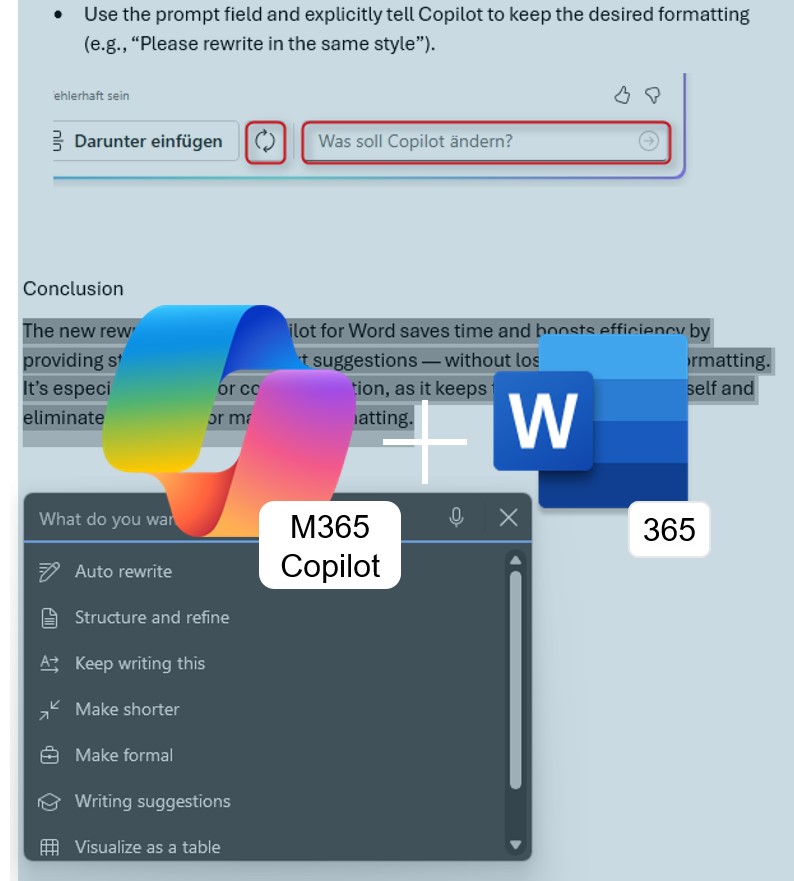
No more copy-pasting from the side panel: Edit with Copilot rewrites, restructures, and refines your content directly in the Word document—across multiple conversational turns. Here’s what the feature can do and how to get early access.