
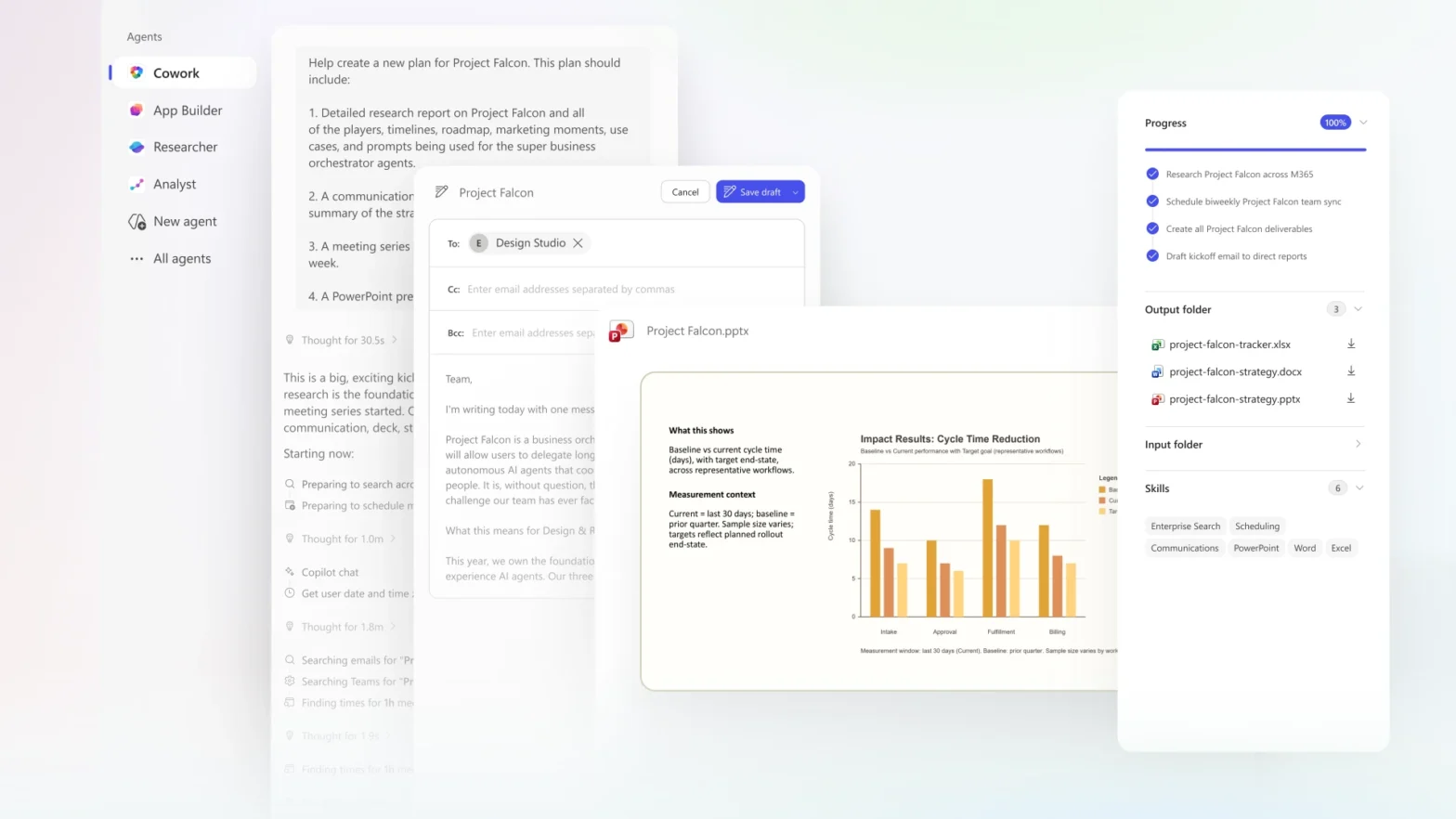
What if you could hand off an entire workflow instead of writing yet another prompt? Copilot Cowork is Microsoft’s new AI agent that turns a goal into a multi-step plan—running in the background across Outlook, Teams, and Excel, pausing at checkpoints to keep you in control. Here’s what it can do, what to watch out for, and how to get started.
Author: Administrator
Creatively Redesign Graphics with M365 Copilot
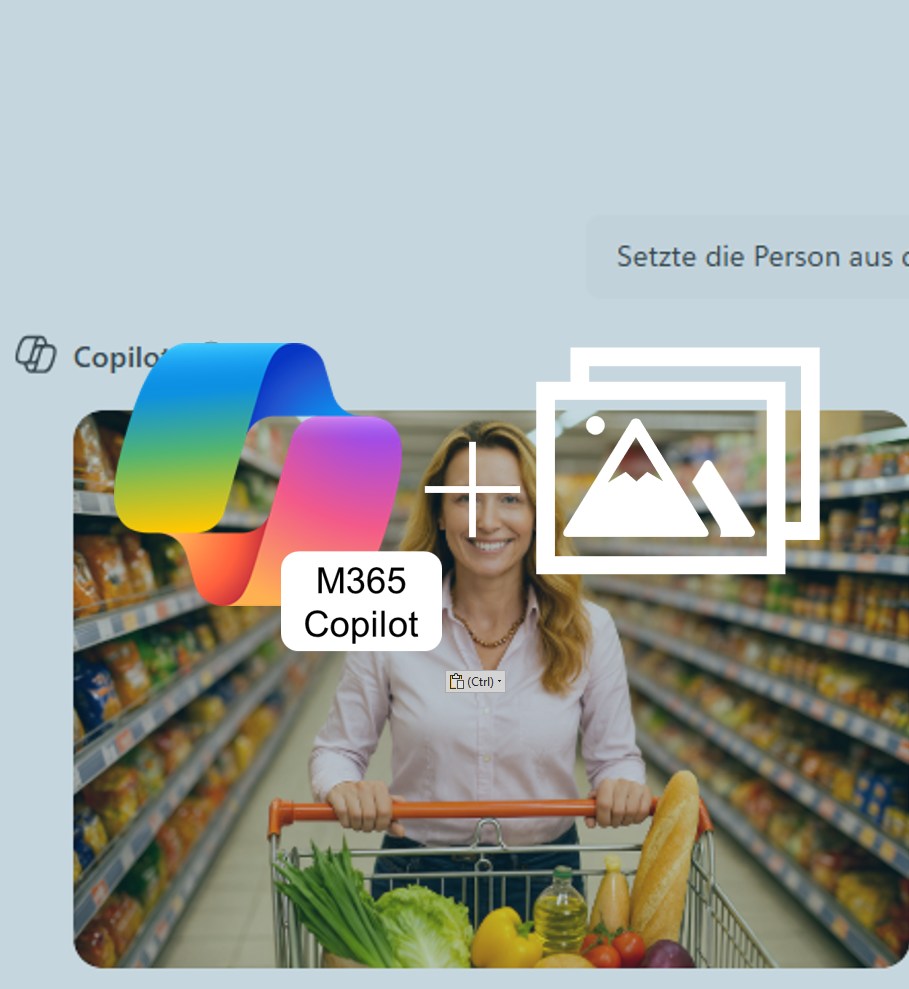
M365 Copilot can now generate new variations from your own images. Upload a picture, enter a prompt, and within seconds you’ll get creative results perfectly tailored to your individual needs.
Share Copilot Meeting Summaries with Your Team
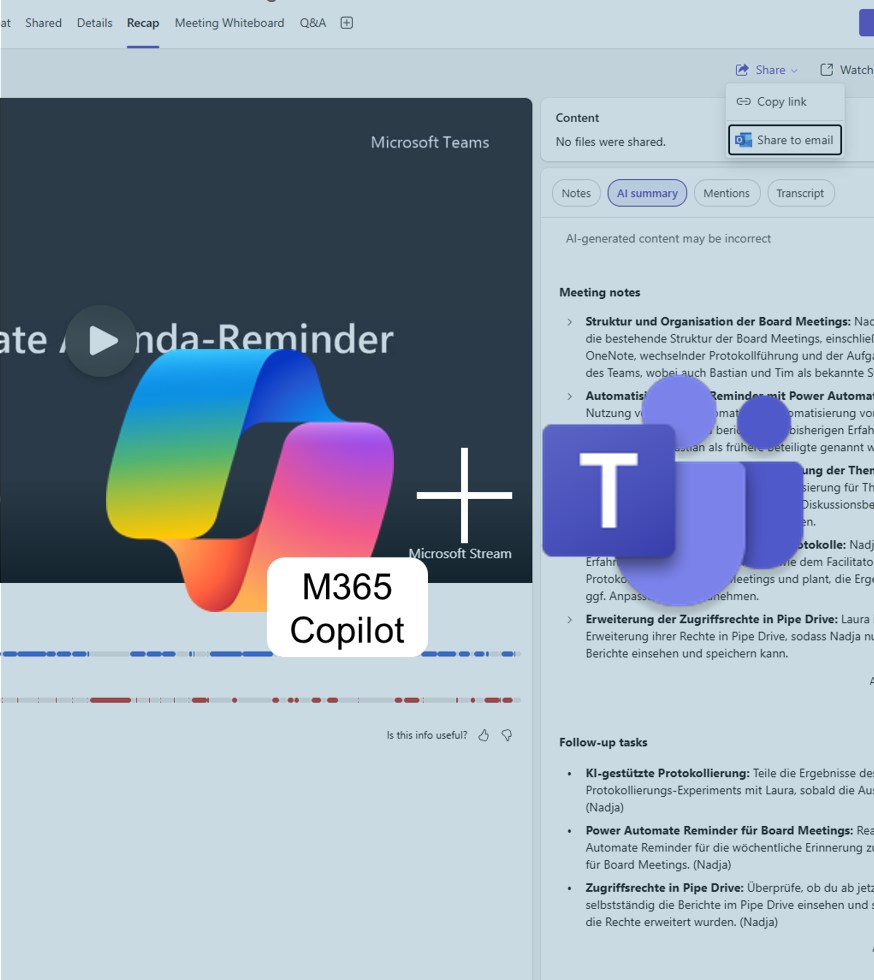
With M365 Copilot for Teams, you can now share meeting summaries directly with colleagues — clearly structured and without the hassle of email. This keeps everyone up to date and ensures a consistent level of information. In this way, Copilot becomes the meeting recorder for all participants.
Copilot for Word: Rewrite with Style
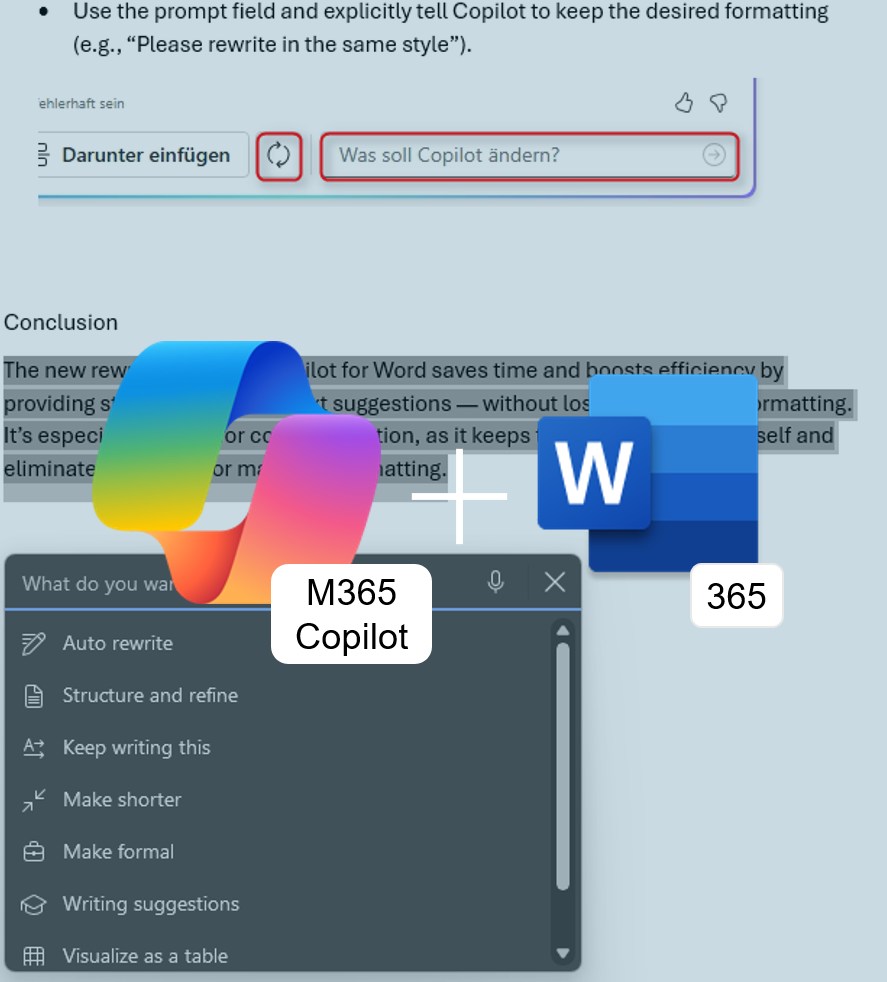
No more reformatting: Microsoft Copilot in Word365 now not only knows how to elegantly rephrase text — it also preserves your existing formatting. Learn how this update speeds up your document editing.
Referencing Excel365 Files in M365 Copilot for PowerPoint365
It’s widely known that M365 Copilot can create PowerPoint presentations based on Word documents. This is especially practical if you regularly write concepts or strategy papers that later need to be visually prepared and presented. Now, the same process also works with Excel files. Here’s what it’s good for — and how well it actually works.
=COPILOT() in Excel365
With the Copilot side panel in Excel, you can already formulate tasks in natural language—but now it gets even more direct: The new =COPILOT() function brings artificial intelligence straight into your cells.
Seamless work with AI, right in the worksheet.
Copilot summary Outlook attachements
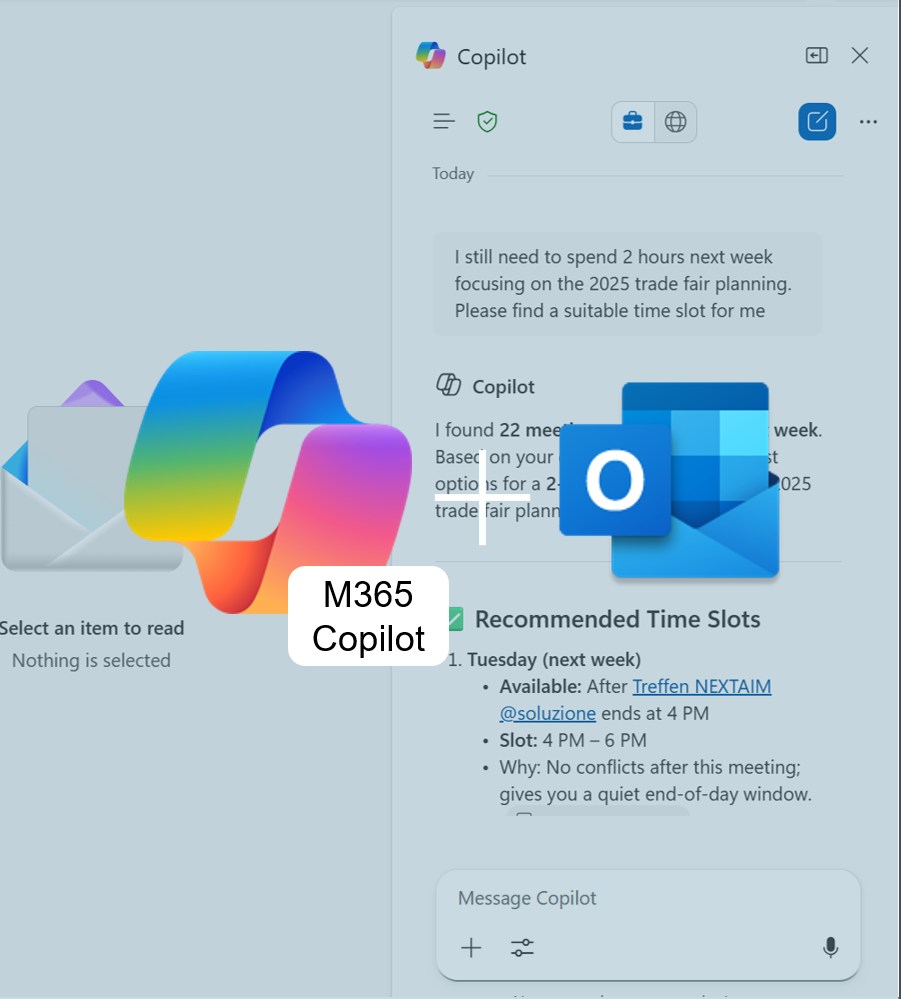
Long emails with too many attachments? Outlook 365 + M365 Copilot gives you instant summaries of PowerPoint, Word & PDF files — no app-switching, no overwhelm. Fast, secure, and perfect for staying on top of your inbox.
Copilot for Teams: The Interpreter

Another meeting with international clients coming up — this time from China? And what was “Budgetfreigabeordnung” in English again? No more improvising your business English! Try out the new Interpreter feature in M365 Copilot for Teams and discover how AI can help you overcome language barriers with ease.
M365 Copilot custom instructions

Save shortcuts and personalized instructions in M365 Copilot for your most common commands. This way, the AI delivers results in your style — fast, precise, and perfectly aligned with your work context.
Personalized AI with M365 Copilot Memory

Do you find yourself repeatedly telling M365 Copilot the same formatting preferences or constantly pasting project details into your prompts? With the Memory feature, you can save yourself that extra effort.