



Share your screen, ask a question: vision in Microsoft 365 Copilot
Some questions are easier to show than to type. What does this error message mean? What is this chart telling me? When am I next meeting the person who just emailed me? For a few months now, you’ve been able to share your screen with Copilot in a voice chat and simply ask. We tried it out to see what
Copilot in PowerPoint remembers your routines – with skills you create yourself
Copilot in PowerPoint has skills: saved instructions for tasks you do again and again. Microsoft ships a few, and you can now create your own – a name, a description and a set of instructions, no coding needed. We show how it works, why the description matters, and how to pass a skill on to colleagues.
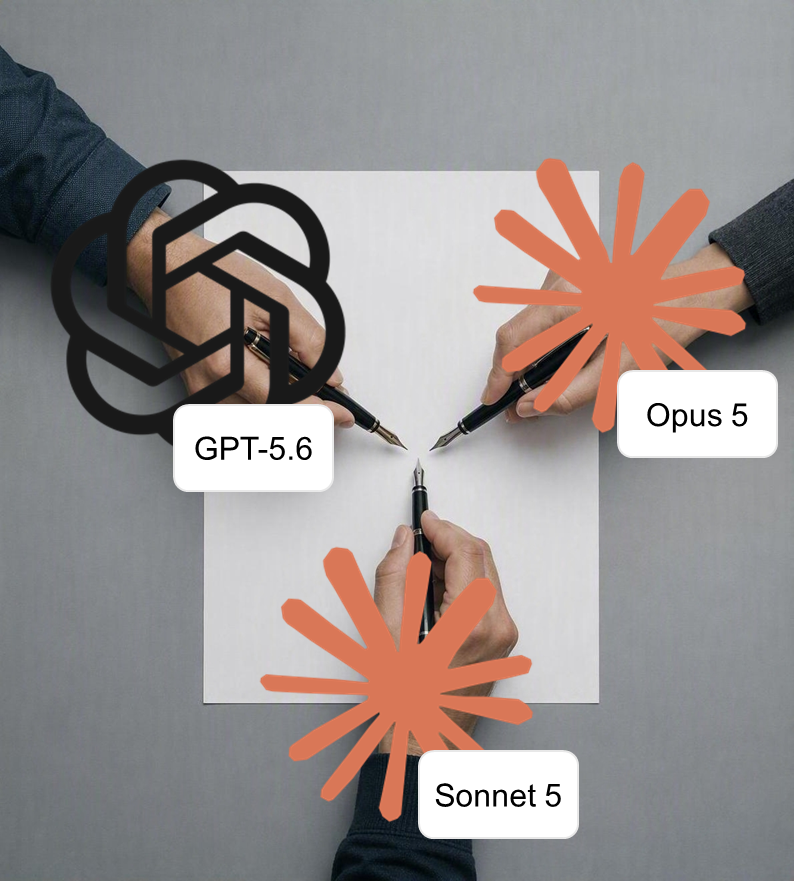
Copilot in Word, Excel and PowerPoint: which model is actually editing your text?
In Word, Excel and PowerPoint you can now decide for yourself which AI model edits your text – OpenAI or Anthropic, depending on the task. None of this is brand new, yet plenty of people are seeing it for the first time. We looked at what is actually on offer in September 2026, why the picker differs from one app
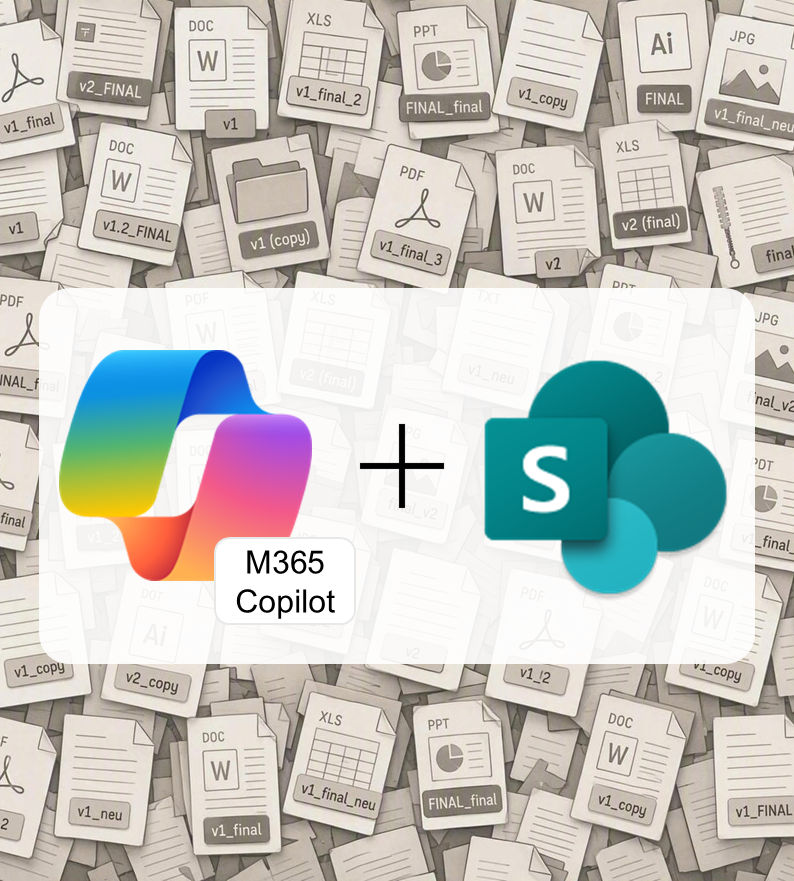
final_FINAL.docx: How Copilot still finds the version that counts
Policy_final, final_FINAL, approved_v2: faced with a folder like that, Copilot has to guess which version counts, too. A status column in SharePoint fixes that, as long as you point your question at the folder. Here’s how to set it up in a few minutes.

Forecasts and specialist charts in Excel: Copilot writes Python for your workbook
Forecasts, statistical tests, charts Excel doesn’t even offer: Copilot now handles that kind of analysis itself, and all you do is describe what you want to know. Behind the scenes it writes and runs Python code, which you never have to see or understand. Here’s how it works and what happens to your data along the way.

Show, don’t tell: screenshots straight into Copilot chat
Show, don’t tell: screenshots straight into Copilot chat Some questions are quicker to show than to describe: an error message, a layout that’s gone askew, a table that doesn’t look the way you expected. Copilot can now capture that part of your screen itself. You’ll find it in the plus menu next to the message box, under Take screenshot with